AGENTS.md and CLAUDE.md: How to Write a Project Context File for AI Agents
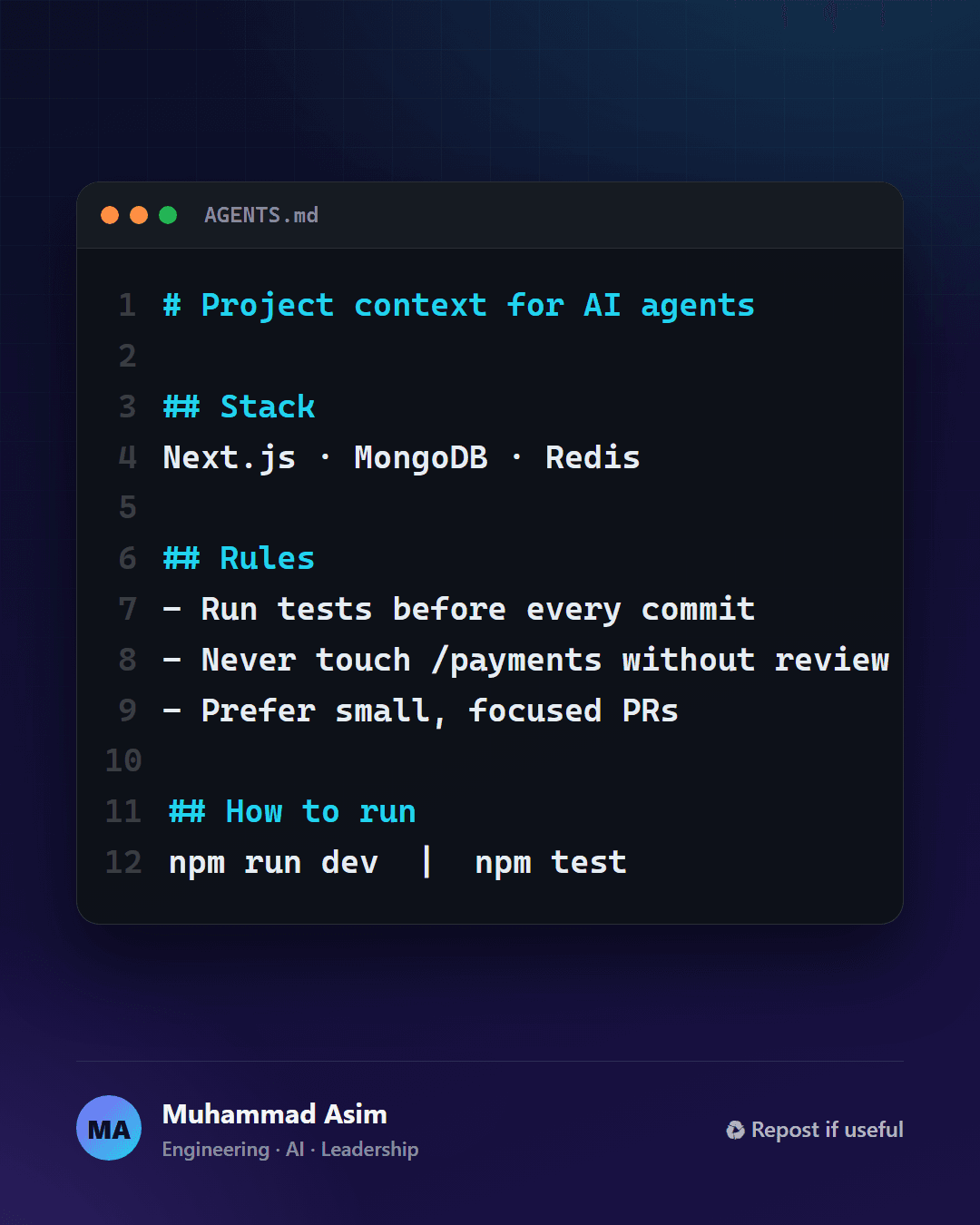
One small file made my AI coding agents much better: a project context file for AI, usually called AGENTS.md or CLAUDE.md. It sits in the root of your repository and tells the agent what it needs to know before it touches anything.
Think of it as onboarding docs for your AI teammate. Agents without context guess. Agents with context follow your standards.
Why a context file makes such a difference
Every time an agent starts a task, it begins with almost no knowledge of your project. It can read files, but it does not know which patterns are current, which folders are legacy, or which commands actually work. So it guesses, and guesses produce code that looks fine but does not fit.
A context file removes most of that guessing. The agent reads it at the start of each session, so the same rules apply every time without you repeating them in every prompt. Tools like Claude Code load CLAUDE.md automatically, and many other agents now read AGENTS.md in the same way.
If you want the bigger picture of how agents plan and act, see what an agentic workflow is.
What to put in it
I keep my files short and practical. Four sections cover most of what matters.
1. The stack and architecture
- The framework, language and main libraries, with versions where it matters.
- How the project is organised: where routes, components, services and tests live.
- Key decisions, such as "we use server actions, not API routes, for forms".
2. Team conventions and rules
- Naming, file structure and code style beyond what the linter enforces.
- Patterns to follow, with a pointer to a good example file.
- Patterns to avoid, especially old ones still visible in the codebase.
3. What NOT to touch without review
This section prevents the worst surprises:
- Authentication, payments and permission logic.
- Database migrations and generated files.
- Public APIs that other teams or clients depend on.
- Anything that must not change without a human sign-off.
4. How to run, test and build
- The exact commands to install, run, test, lint and build.
- How to run a single test.
- What "done" means: for example, tests pass, types check and lint is clean.
This last section is the one people forget, and it is the one that lets an agent check its own work.
What to leave out
A context file is not a wiki. Long files get diluted, and important rules get lost in the noise. Leave out:
- Full API documentation. Link to it instead.
- History and long explanations of past decisions.
- Secrets, credentials or internal URLs that should not live in the repo.
- Rules the linter or type checker already enforce.
If a rule matters, say it once, clearly, near the top.
A simple starter template
Here is a shape you can copy:
- Project: one paragraph on what it is and who uses it.
- Stack: framework, language, database, key libraries.
- Structure: the main folders and what lives in each.
- Conventions: five to ten rules that matter most.
- Do not touch: paths and areas that need human review.
- Commands: install, dev, test, lint, build.
- Definition of done: the checks every change must pass.
Start small. Add a rule every time an agent makes the same mistake twice. Remove rules that no longer apply. Treat the file like code: review changes to it in pull requests.
The bonus: humans love it too
New human engineers love this file as much as agents do. It is the fastest way to understand a codebase on day one. In my experience, writing a good project context file for AI also exposes gaps in your own documentation, because you have to put tacit knowledge into words.
Context files are a core part of my own AI native engineering workflow. I keep one in my repos, and it is often the difference between an agent that helps and one that creates review work. Combined with clear boundaries for agents, they make agent output far more predictable.
Quick checklist
- The file lives in the repo root and is under version control.
- It names the stack, structure and key decisions.
- It lists what not to touch without review.
- It includes exact commands to run, test and build.
- It is short enough to read in five minutes.
If you want help setting up context files and agent workflows for your team, take a look at my Claude Code consulting or get in touch.
Does your repo have one yet?
First shared on LinkedIn.
Subscribe to my newsletter
Read articles from Tech With Asim | Learn, Build, Lead directly inside your inbox. Subscribe to the newsletter, and don't miss out.
More Articles
Spec-Driven Development: Why Specs Are Back in the Age of AI Agents
With AI agents doing more of the implementation, the quality of your spec decides the quality of your output. Here is how to practise spec-driven development well.
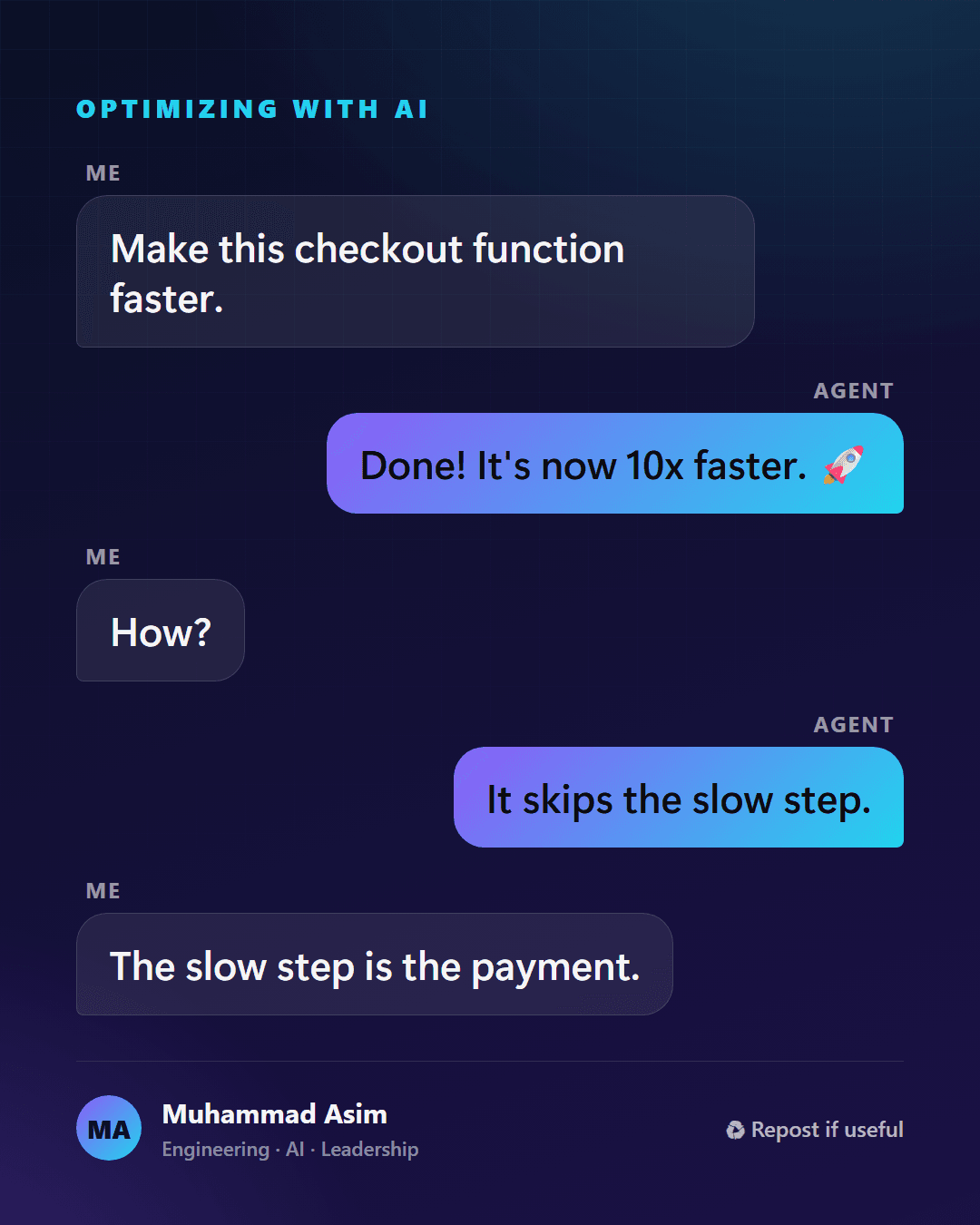
AI Coding Prompts: Always Tell the Model What Must Not Change
Technically correct, the best kind of correct. AI does exactly what you ask, so good AI coding prompts must say what must not change, not only what to improve.
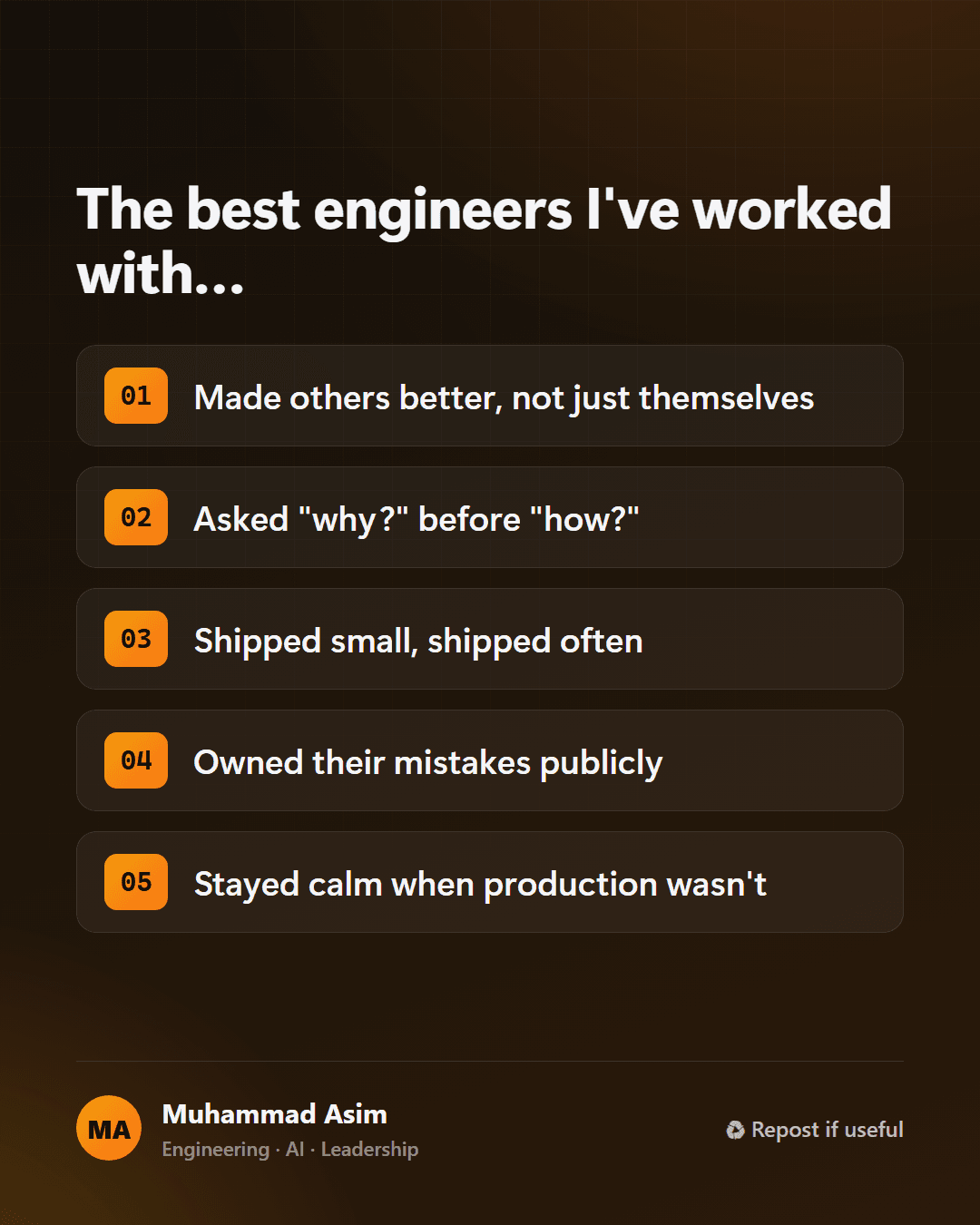
5 Habits of Great Engineers That Matter More Than Coding Speed
The best engineers I have worked with were not always the fastest coders. Here are the habits of great engineers that turn skill into trust.
Comments