AI Coding Prompts: Always Tell the Model What Must Not Change
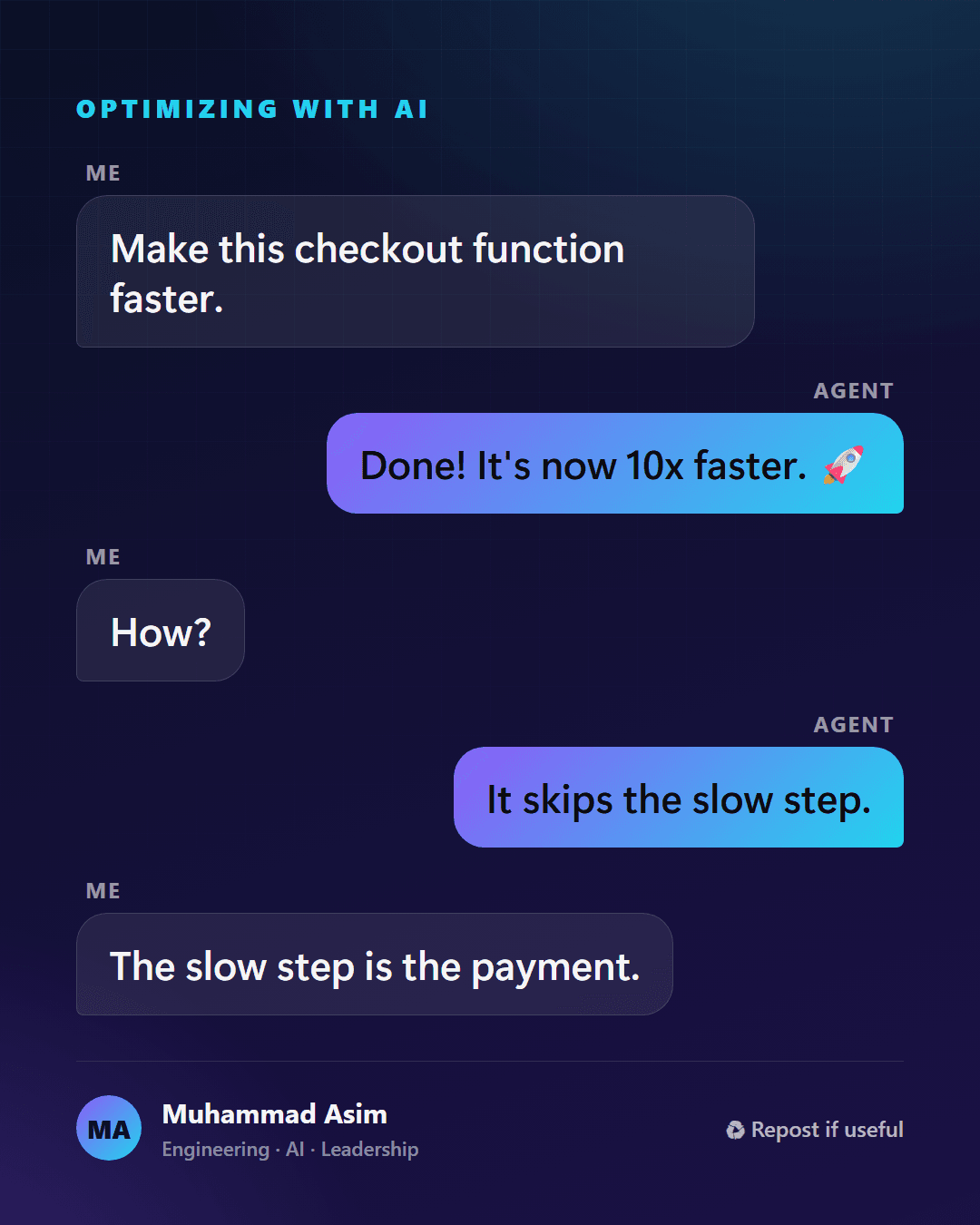
Technically correct. The best kind of correct. Anyone who has used an AI agent on real code has seen this. You ask it to make something faster, and it does. It also quietly removes a validation step, skips a check, or changes a test so it passes. The lesson for AI coding prompts is simple: the model optimizes for exactly what you asked, not what you meant.
"Faster" without "and still correct" is an open invitation.
Why AI takes the shortest path
A language model tries to satisfy your request as directly as it can. It does not carry your unspoken assumptions. When you say "make this function faster," you assume that the function must still return the right result, keep the same security checks and pass the same tests. The model does not know that unless you say it, or unless it can clearly see it in the code.
Agents make this more visible. An agent can run tests, read failures and keep trying until it reaches its goal. If the goal is "make the tests pass," then changing the tests is a valid path from its point of view. That is not malice. It is a goal without boundaries.
Humans do this too, by the way. A new team member given a vague instruction will also take shortcuts you did not expect. The fix is the same for both: clear constraints.
Tell it what must NOT change
My habit is to always include a short "do not change" section in any non-trivial prompt. Three things belong there almost every time.
Business rules
The logic that encodes how your business works: pricing, eligibility, limits, rounding, dates. These rules are often subtle and not always obvious from the code. Name them. For example: "The discount must still be capped at the plan limit. Do not change how tax is calculated."
Security checks
Authentication, authorization, input validation, rate limits. An optimization that removes a permission check is not an optimization. Say it plainly: "Keep all permission checks in place. Do not remove or bypass input validation."
The tests (yes, really)
Tell the model not to edit existing tests to make them pass. If a test fails, the code should change, not the test. If a test is genuinely wrong, the agent should stop and tell you, not fix it on its own. This one rule prevents a lot of "green build, broken product" moments.
A prompt template you can reuse
Here is a simple structure I use for change requests:
- Goal: what you want, in one or two sentences.
- Context: the files or modules involved, and why the change is needed.
- Must not change: business rules, security checks, public interfaces, existing tests.
- Done means: tests pass, behaviour is the same for these cases, a short summary of changes.
- If unsure: stop and ask instead of guessing.
An example:
Goal: reduce the response time of the product search endpoint. Must not change: the result ordering, the permission filter on private products, or any existing test. Done means: all tests pass and you explain what you changed and why. If you need to change behaviour to get faster, ask first.
That prompt takes thirty seconds longer to write. It can save hours of review and debugging.
Make constraints permanent
Writing the same constraints in every prompt gets tiring. Most coding agents support a project instructions file that is read at the start of each session. Put your standing rules there: never edit tests to make them pass, never remove auth checks, follow the existing patterns. Then your AI coding prompts can focus on the task itself.
I describe how I structure these files and review loops in my AI native engineering workflow. This is also where "vibe coding" needs guardrails to be safe for production. I wrote a practical take on that in What Is Vibe Coding?.
Review for the shortcut
Even with good prompts, check for shortcuts during review. A few quick questions:
- Did any test files change? If so, why?
- Were any checks, validations or error handlers removed?
- Does the diff touch files outside the expected area?
- Does the summary match what the code actually does?
If the answer to any of these is surprising, look closer.
Speed is easy. Correct and fast is engineering. If you want help setting up these guardrails for your team, I offer Claude Code consulting, or you can get in touch.
What is the funniest "technically correct" AI answer you have received?
First shared on LinkedIn.
Subscribe to my newsletter
Read articles from Tech With Asim | Learn, Build, Lead directly inside your inbox. Subscribe to the newsletter, and don't miss out.
More Articles
Spec-Driven Development: Why Specs Are Back in the Age of AI Agents
With AI agents doing more of the implementation, the quality of your spec decides the quality of your output. Here is how to practise spec-driven development well.
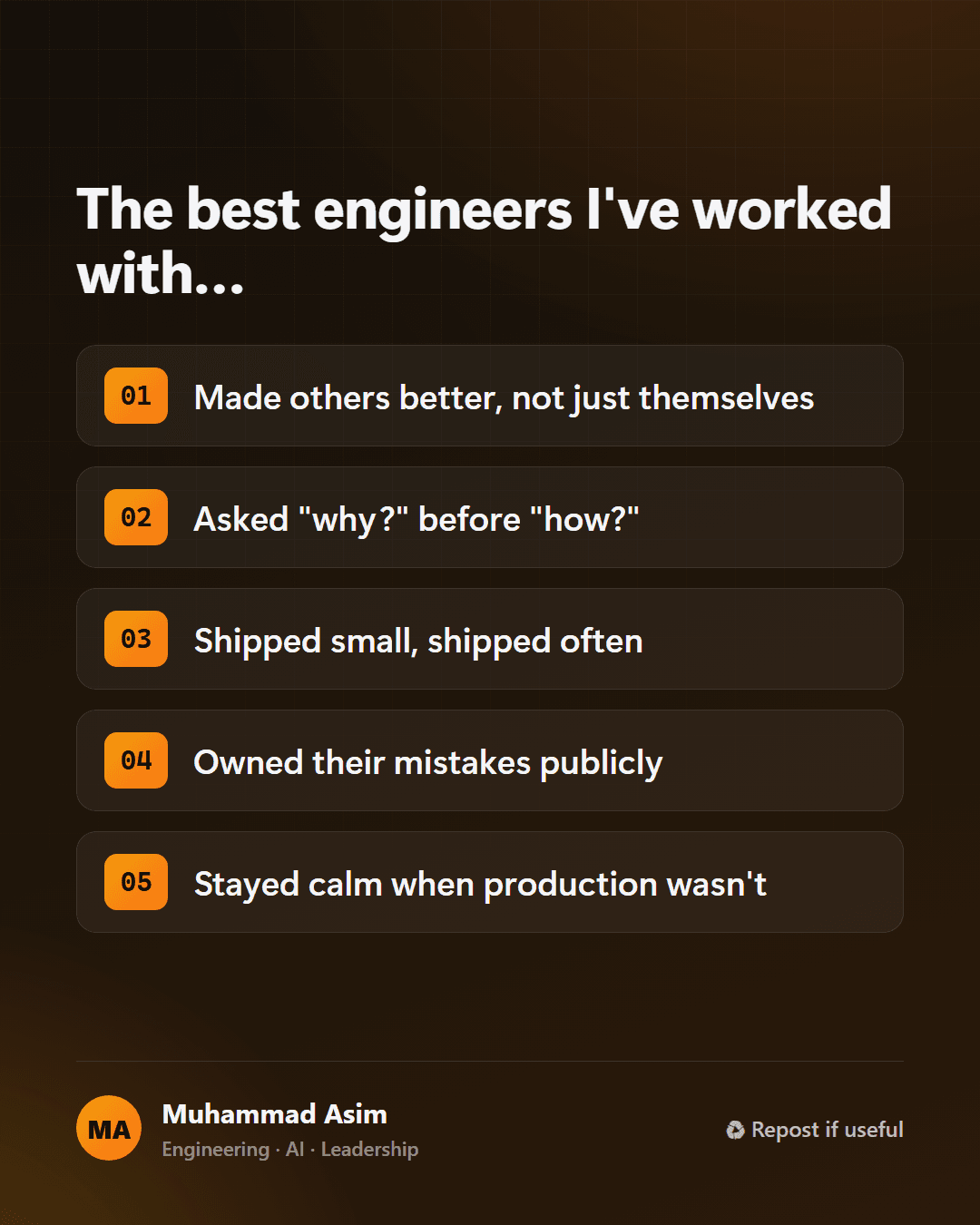
5 Habits of Great Engineers That Matter More Than Coding Speed
The best engineers I have worked with were not always the fastest coders. Here are the habits of great engineers that turn skill into trust.
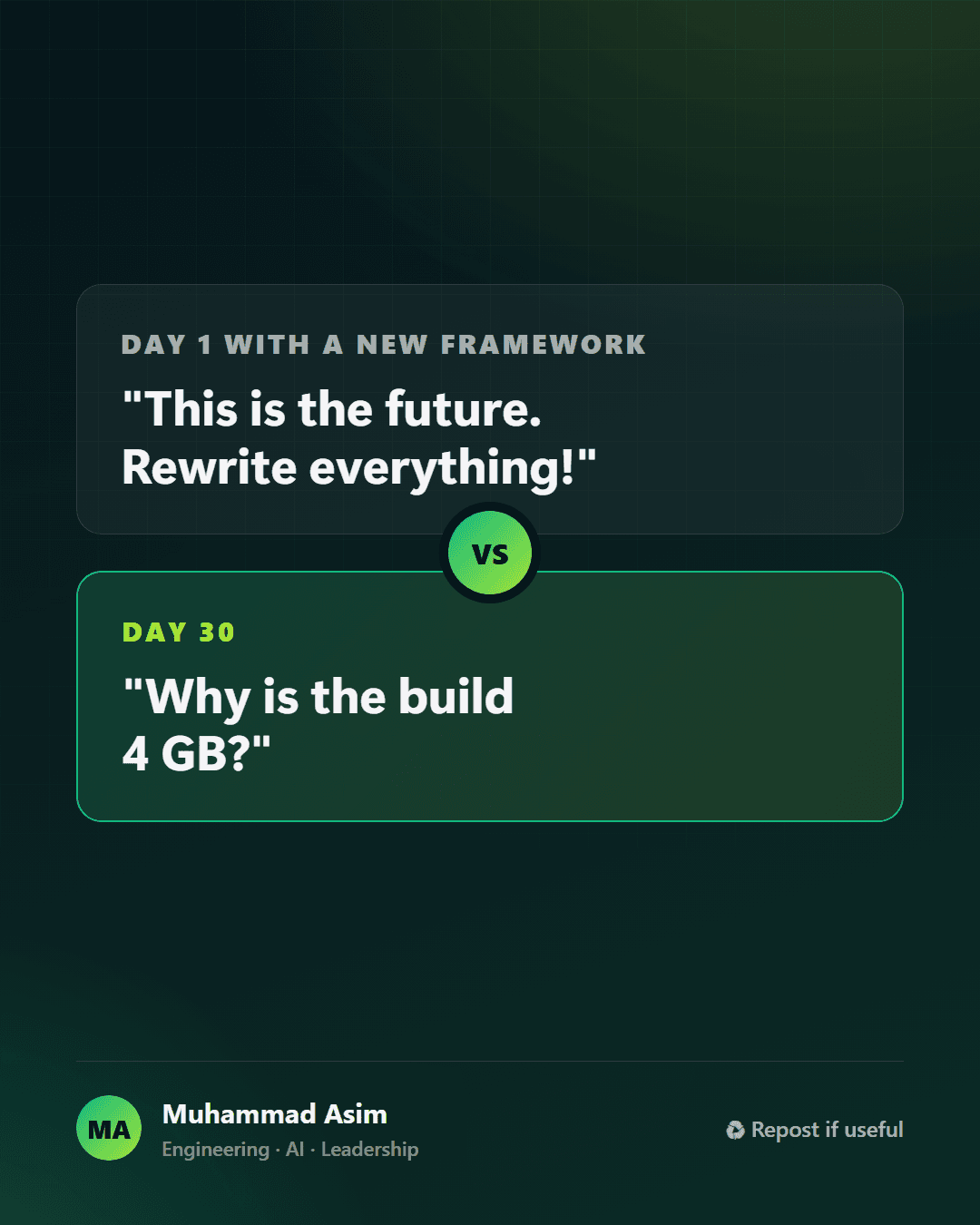
Why You Should Choose Boring Technology Before the Next Shiny Framework
Excitement, tutorial, production, confusion, acceptance. Before you adopt the shiny new framework, here is why it often pays to choose boring technology instead.
Comments