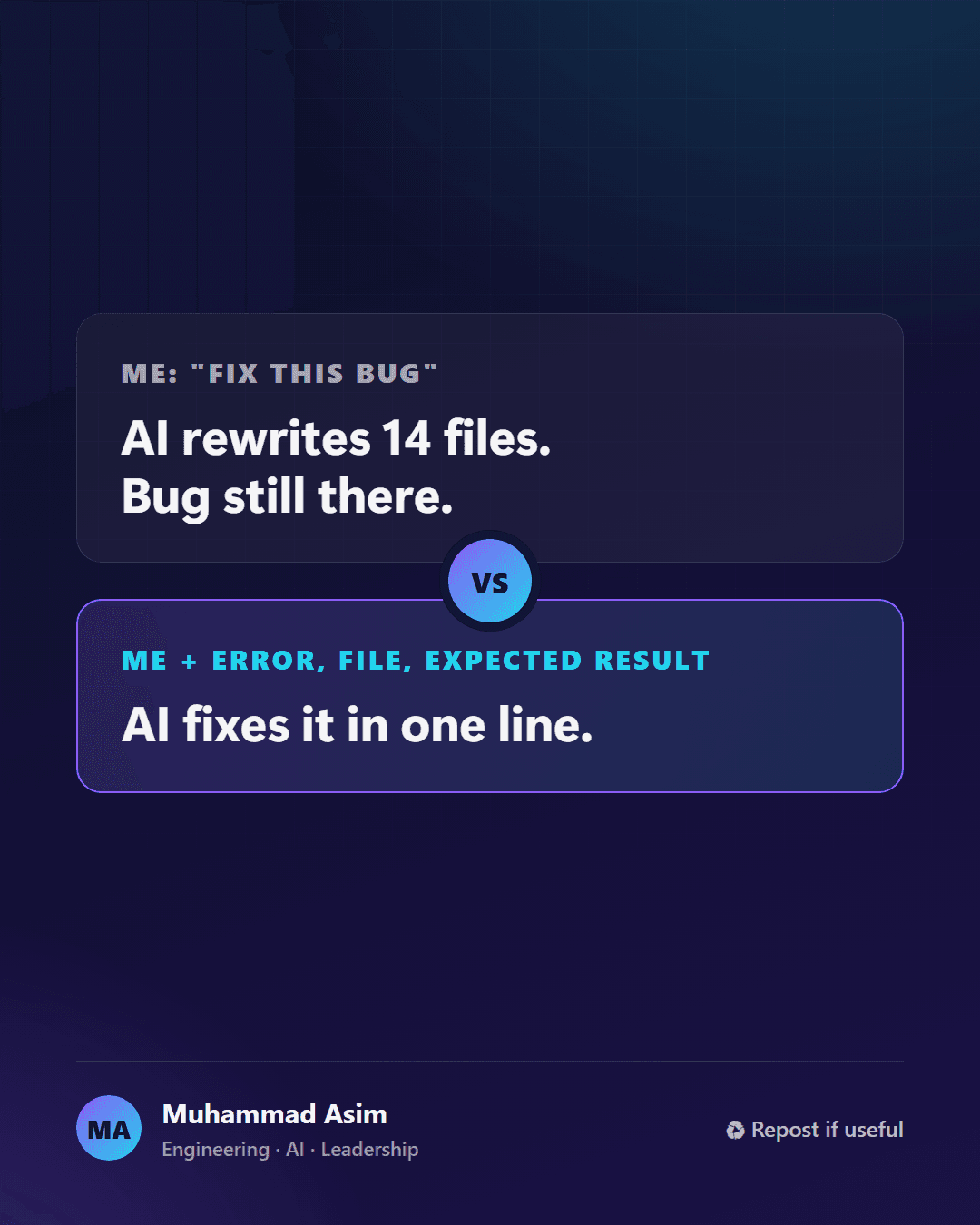
Same AI. Same bug. Very different results. One developer gets a clean fix in two minutes. Another goes in circles for an hour and decides the tool is useless. The difference is rarely the model. It is how they ask AI to fix a bug.
When AI "doesn't work", it is often missing context. Garbage in, garbage out still applies in 2026. It just comes out faster now.
Why vague bug reports fail
Imagine sending a message to a colleague that says "the login is broken, fix it". They would come back with ten questions. Which login? What happens? Since when? On which environment?
An AI assistant has the same problem, but it often does not ask. It guesses instead. It picks the most likely cause based on patterns it has seen, writes a confident fix, and moves on. If the guess is wrong, you get a change that looks right and fixes nothing, or worse, breaks something else.
Understanding a little about how these models work helps here. They predict likely output from the input they see, so the input is everything. My article inside the black box of LLM architecture covers this in more depth.
The four things every bug request needs
1. The exact error message
Copy and paste the full error, including the stack trace. Do not paraphrase it. "Some undefined error" is useless. "TypeError: Cannot read properties of undefined (reading 'id') at OrderList.tsx:42" points straight at the problem.
If there is no error, describe the symptom precisely: what you clicked, what you saw, and what the logs said.
2. The file where it happens
Tell the AI where to look. Name the file, the function and, if you know it, the line. If the bug crosses files, list them in the order the data flows. Agents with repo access can search, but a pointer saves time and keeps them from wandering into unrelated code.
3. What you expected vs what happened
This is the most skipped part, and the most important. "Expected: the order list shows the customer's 10 most recent orders. Actual: the page is blank when the customer has no orders." Now the AI knows the goal, not just the symptom. It also knows the edge case: an empty list.
4. How to check that it is fixed
Tell the AI how you will verify the fix. A failing test, a command to run, or exact steps to reproduce. Better still, ask it to write a test that fails before the fix and passes after. This turns "I think it is fixed" into "it is fixed".
A template you can copy
Here is a simple structure I use when I ask AI to fix a bug:
- Problem: one sentence describing the bug.
- Error: the full message and stack trace.
- Location: files and functions involved.
- Expected: what should happen.
- Actual: what happens instead.
- Steps to reproduce: the shortest path to see the bug.
- Verify: the test or command that proves the fix.
- Constraints: what not to change, such as public APIs or shared components.
It takes a minute to fill in. It often saves an hour.
Habits that make fixes better
- Ask for the cause before the fix. "Explain what is causing this" first, then "now fix it". You catch wrong guesses early.
- One bug per request. Mixing problems confuses the model and muddles the diff.
- Share recent changes. "This started after we upgraded the date library" is a huge clue.
- Review the fix like any other code. A fix that hides the error without solving the cause is not a fix.
- Keep project context available. A context file with your stack and commands helps the AI run the right checks. I wrote about that in writing a project context file for AI agents.
The same rules work for humans
This template is not really about AI. It is a good bug report. Teams that write bug reports this way get faster help from colleagues, from QA and from agents alike. AI just makes the cost of a bad report visible sooner.
These habits are part of my everyday AI native engineering workflow. If you want help bringing them into your team, get in touch.
What is your template for asking AI to fix a bug?
First shared on LinkedIn.
Subscribe to my newsletter
Read articles from Tech With Asim | Learn, Build, Lead directly inside your inbox. Subscribe to the newsletter, and don't miss out.
More Articles
Spec-Driven Development: Why Specs Are Back in the Age of AI Agents
With AI agents doing more of the implementation, the quality of your spec decides the quality of your output. Here is how to practise spec-driven development well.
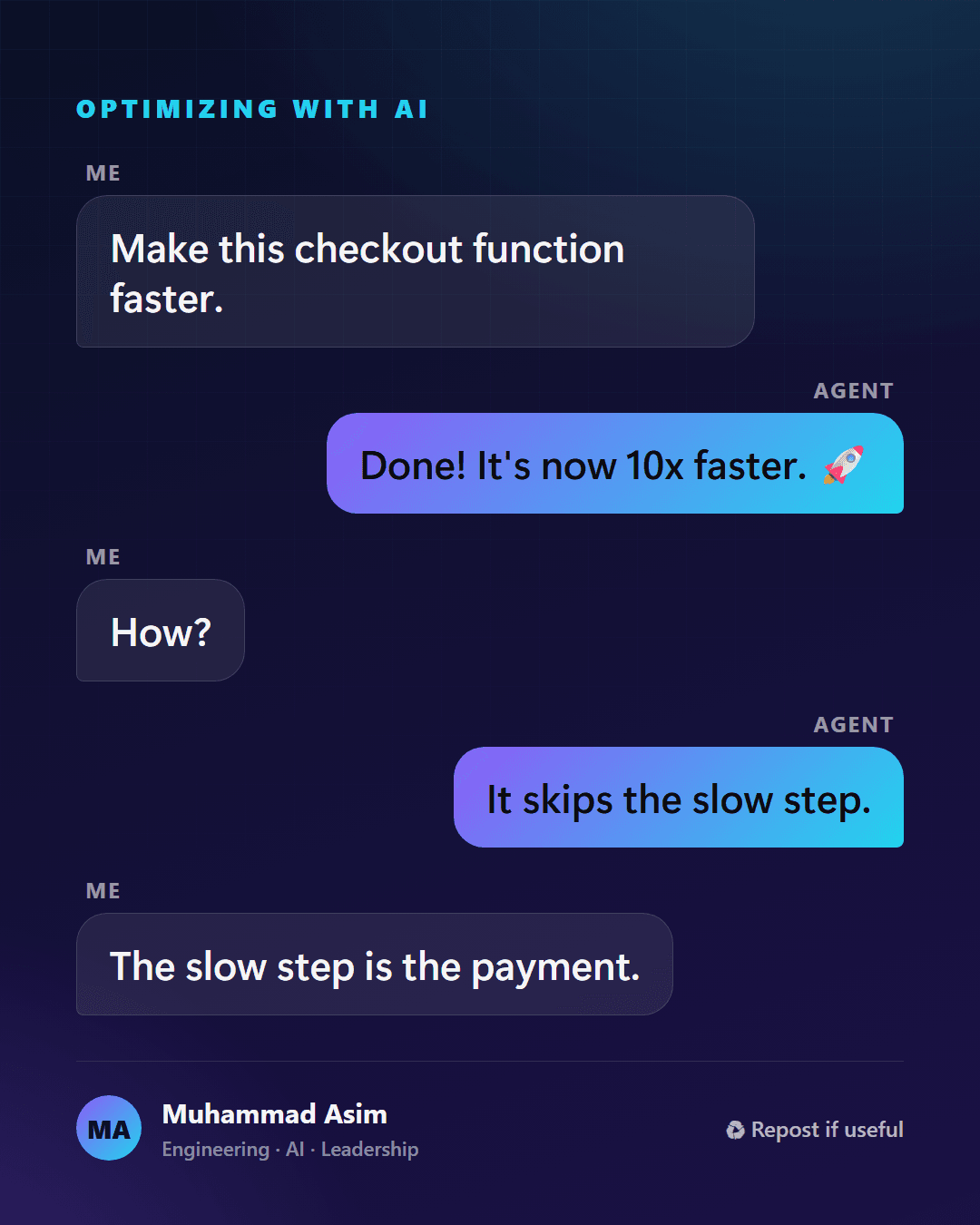
AI Coding Prompts: Always Tell the Model What Must Not Change
Technically correct, the best kind of correct. AI does exactly what you ask, so good AI coding prompts must say what must not change, not only what to improve.
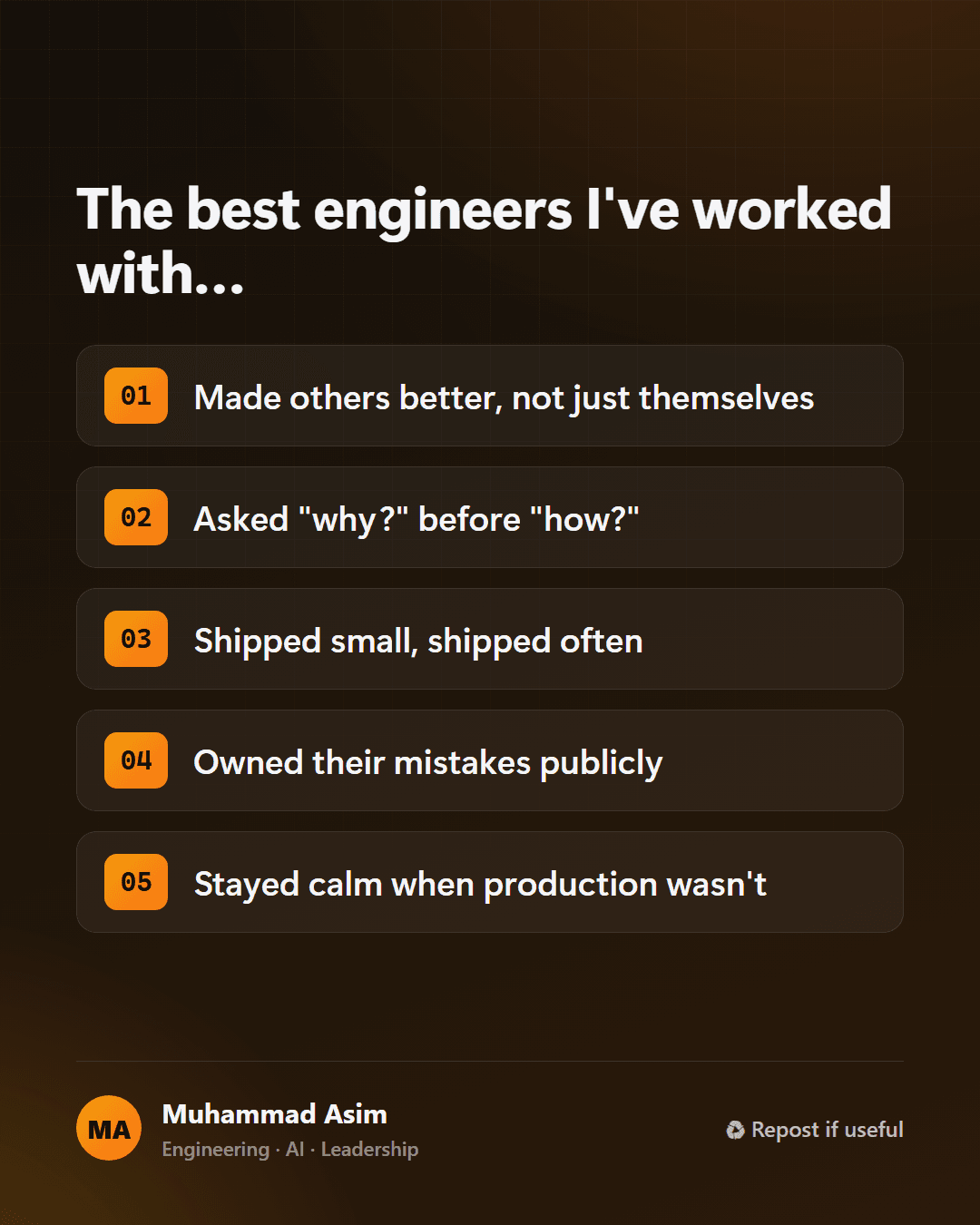
5 Habits of Great Engineers That Matter More Than Coding Speed
The best engineers I have worked with were not always the fastest coders. Here are the habits of great engineers that turn skill into trust.
Comments