How to Trust an AI-Generated Regex Before It Reaches Production
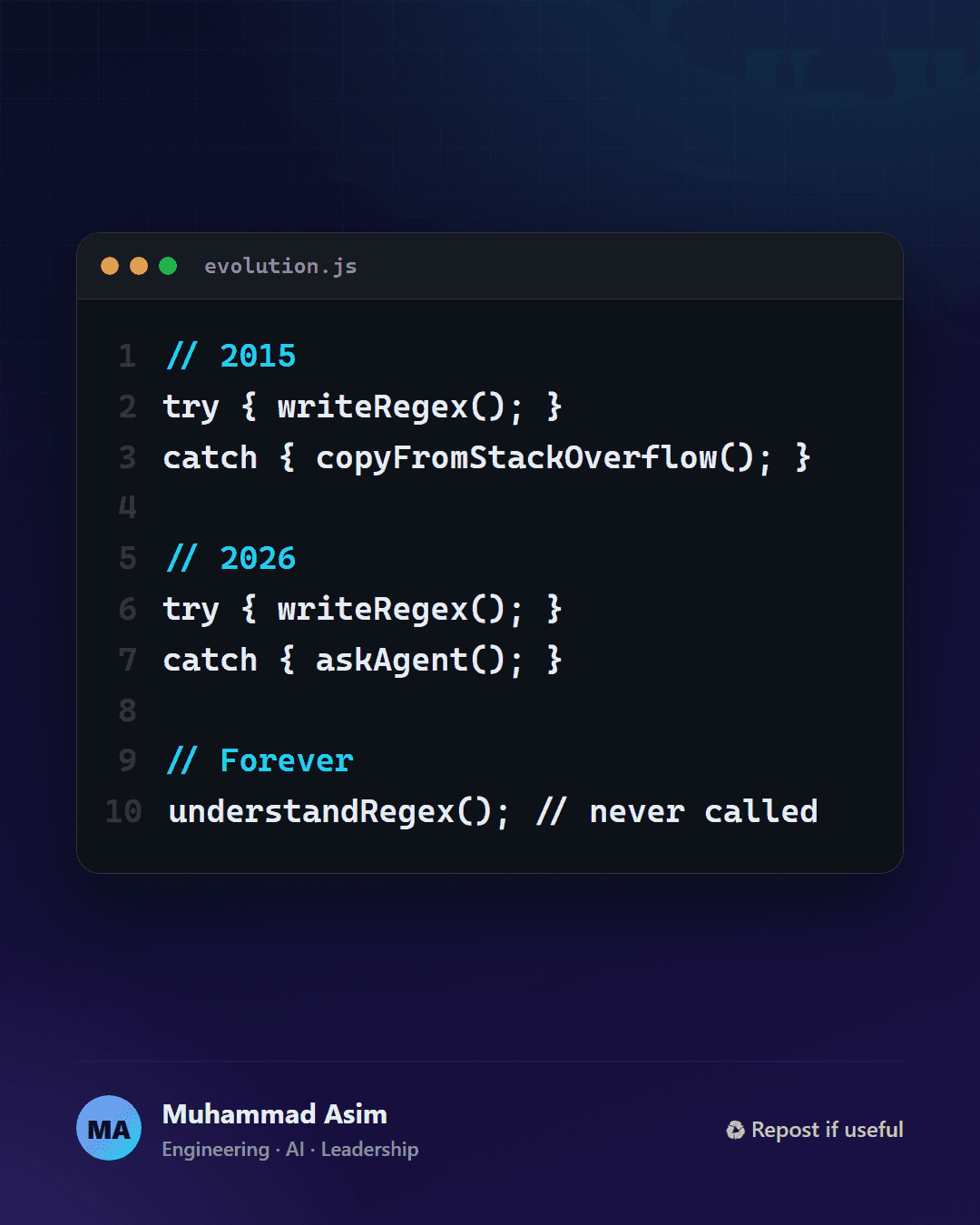
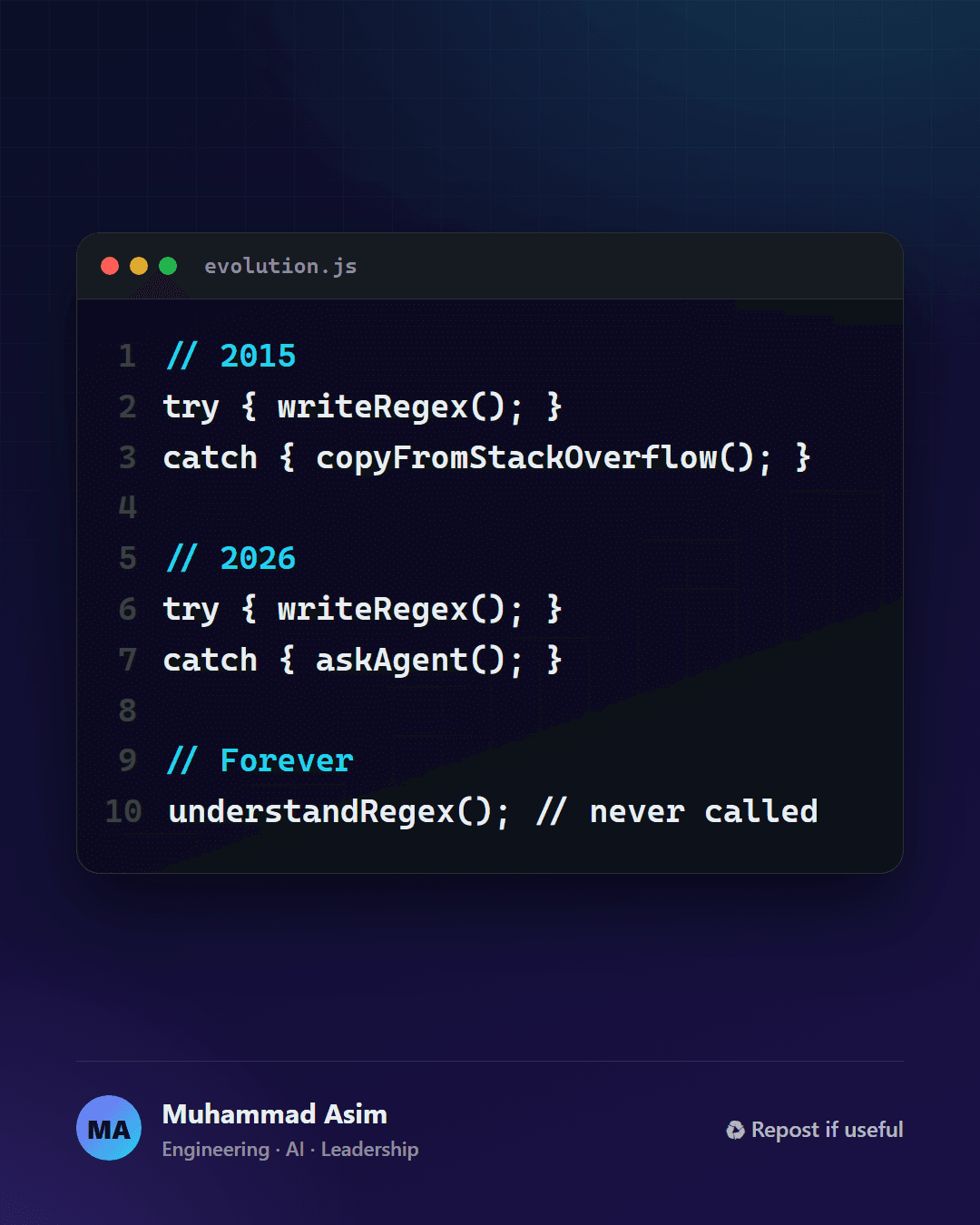
The evolution of writing regex, in short: first we tried to remember the syntax, then we searched online and copied the top answer, and now we ask an AI. The tools have changed. The understanding hasn't. An AI-generated regex can look perfect and still fail on the one input your users send most often.
Here is the honest tip I use, and a small example you can follow.
Why regex is risky to copy blindly
Regular expressions are compact. That is their power and their danger. A single character can change what they match. A missing anchor can let bad input through. A greedy pattern can match far more than you expected. Some patterns can even become very slow on certain inputs, which can turn into a performance or security problem.
AI models are good at writing regex that works for the common case you described. They are less reliable on the edge cases you did not mention. And because regex is hard to read, it is easy to accept it without really understanding it.
Three steps to trust an AI-generated regex
When an AI writes you a regex, ask it to do three more things.
1. Explain each part in plain English
Ask the model to break the pattern into pieces and explain each one. For example: "^ means start of the string. [A-Z]{2} means exactly two capital letters." Read the explanation carefully. If any part surprises you, ask why it is there.
This step often reveals problems right away. You might see that the pattern allows lowercase letters when it should not, or that it is not anchored to the end of the string.
2. Give 5 strings that should match and 5 that shouldn't
Ask for examples on both sides. Then add your own, especially the strange ones: empty strings, extra spaces, very long values, unusual characters, and real values from your data. Good negative examples are just as important as positive ones. They show what the pattern rejects.
3. Write tests with those examples
Turn the examples into automated tests. Now the regex is documented, checked and protected against future changes. If someone edits it later, the tests will catch a mistake.
A worked example
Say you need to validate a simple product code: two capital letters, a dash, then four digits, like AB-1234. An AI might give you this:
const productCode = /^[A-Z]{2}-\d{4}$/;
The explanation should say: start of string, two capital letters, a literal dash, four digits, end of string. Then the tests:
const valid = ["AB-1234", "ZZ-0000", "QA-9876", "MX-1000", "PK-4321"];
const invalid = ["ab-1234", "AB1234", "AB-123", "AB-12345", " AB-1234"];

for (const code of valid) {
  test(`accepts ${code}`, () => expect(productCode.test(code)).toBe(true));
}
for (const code of invalid) {
  test(`rejects "${code}"`, () => expect(productCode.test(code)).toBe(false));
}
These ten cases tell you a lot. They also double as documentation: a new teammate can read the lists and understand the format in seconds, without decoding the pattern itself. Lowercase is rejected. Missing dash is rejected. Too few or too many digits are rejected. A leading space is rejected. If your real data has lowercase codes, you have just found a requirement question before it became a bug.
Practical regex tips
A few habits that make any regex safer, whoever wrote it:
- Anchor it. Use
^and$when you want to match the whole string. - Be specific. Prefer exact character sets over
.*where you can. - Keep it short. If a regex is very long, consider splitting the logic or using a proper parser.
- Use named groups when you extract values, so the code is easier to read.
- Watch performance. Avoid nested repeats like
(a+)+on user input. - Use a library for complex formats like email or URLs instead of a custom pattern.
- Add a comment above the regex with one plain sentence about what it should match, and a link to the tests.
If you want more everyday JavaScript habits, my older post on JavaScript tips you should know covers a few. For a bigger picture of how I combine AI speed with checks like these, see my AI native engineering workflow.
The takeaway
An AI-generated regex is a great starting point. It saves time and often gets you most of the way. But you are the one shipping it. Explain it, test it with real examples, and keep the tests. Then you will actually trust it in production.
If you want help building this kind of testing habit into your team's AI workflow, get in touch.
Do you write regex from memory, or are you one of us?
First shared on LinkedIn.
Subscribe to my newsletter
Read articles from Tech With Asim | Learn, Build, Lead directly inside your inbox. Subscribe to the newsletter, and don't miss out.
More Articles


How to Use AI to Understand a Legacy Codebase Faster
Joined a new team or inherited old code? AI is an amazing tour guide. Here is my five-step process to understand a legacy codebase faster, while you stay in control.
claude-manager-kit: Run Your Work Day From One Claude Code Manager Session
An open-source npm package that turns your Claude plan into a manager that triages, delegates to parallel leads and learns from ratings. No API keys.
Thanking the Unsung Heroes of Software Teams (and Making Their Work Visible)
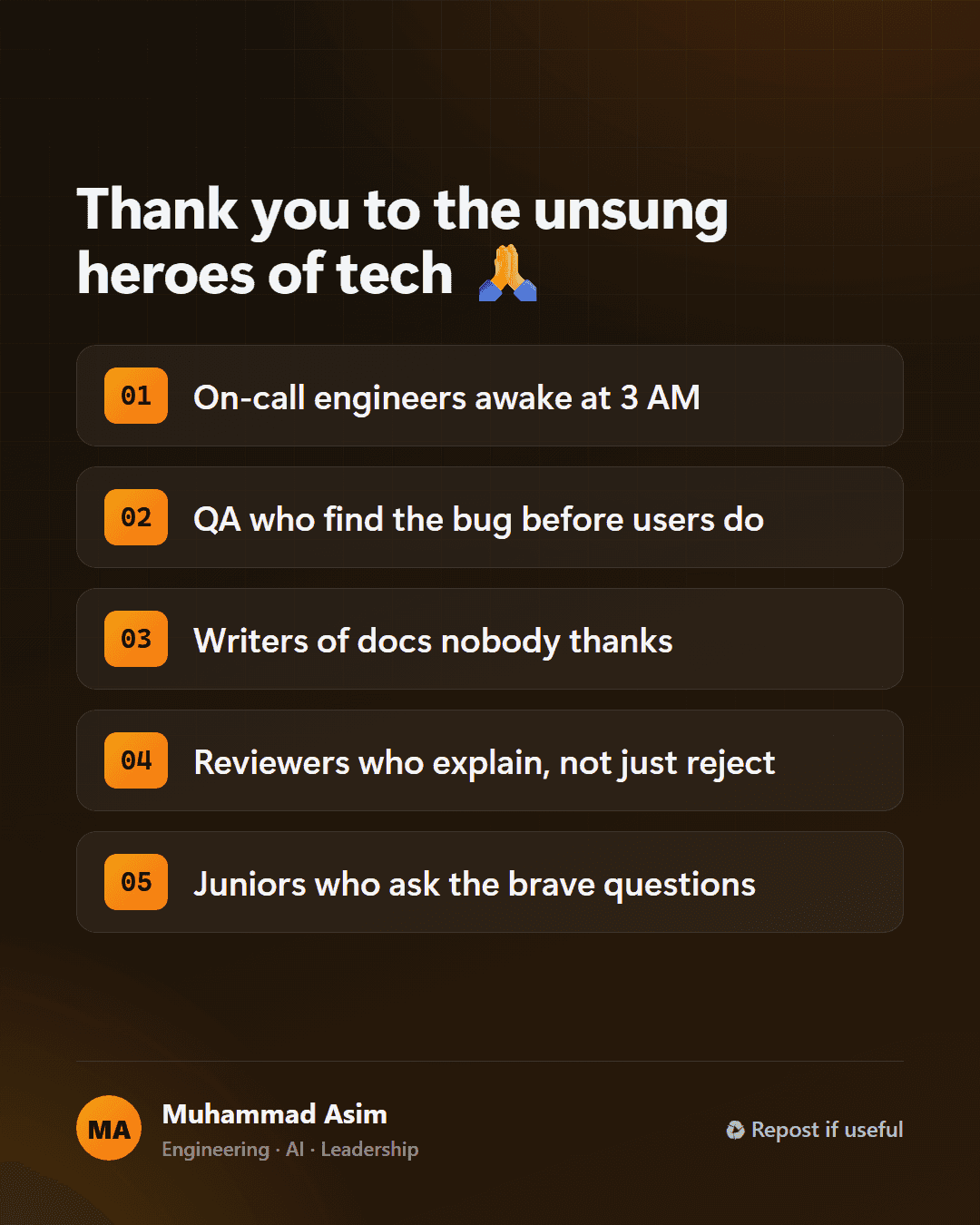
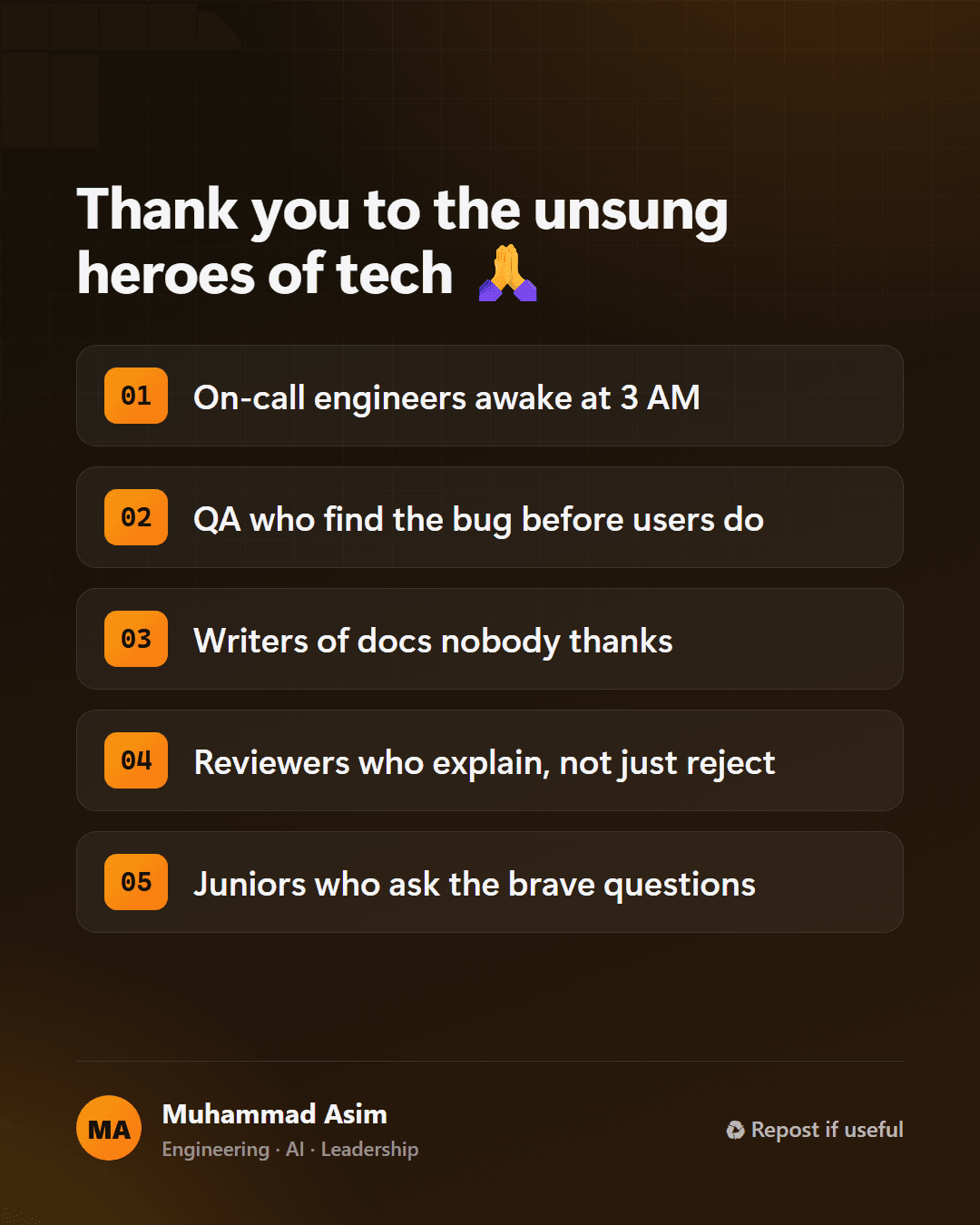
It is Thanksgiving in the US, so let us thank the unsung heroes of software who keep things running, and look at how teams can make that invisible work visible.
Comments