Rubber Duck Debugging: Why It Still Works When the Duck Can Talk Back
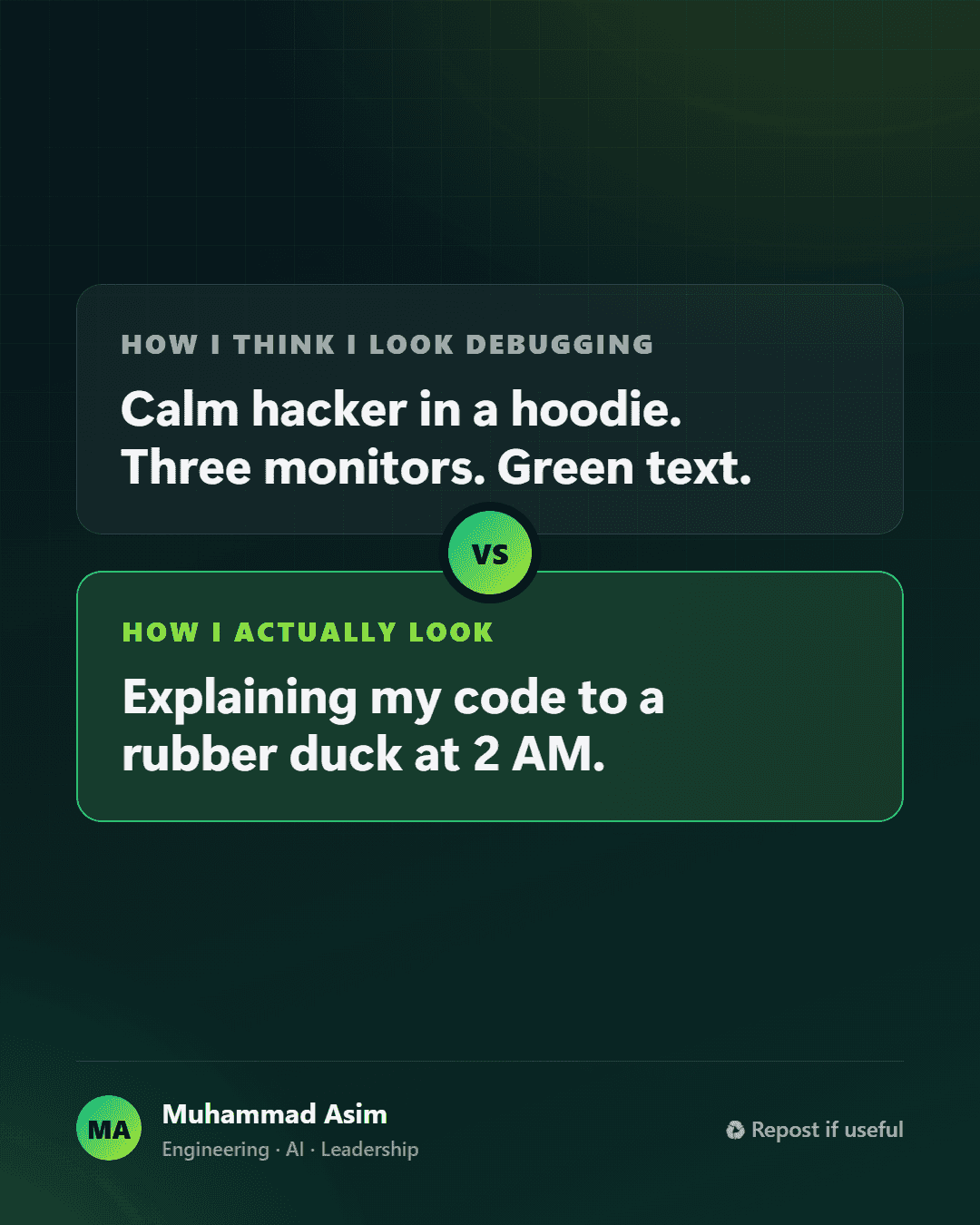
Debugging is one of those jobs where expectation and reality rarely match. You expect a quick fix. You get two hours of staring at the same ten lines. That is exactly where rubber duck debugging earns its place. It sounds like a joke, but it is real and it works: you explain your code, line by line, to a rubber duck on your desk. Somewhere in that explanation, you notice the thing you skipped.
In 2026 the duck can talk back. AI tools will happily listen to your explanation and reply. But the principle has not changed at all. Slow down, and explain it step by step.
Why rubber duck debugging works
When you read your own code silently, your brain fills in the gaps. You see what you meant to write, not what you actually wrote. A variable you think is set is really undefined. A loop you think runs five times runs four. Your mind skips over it because it already "knows" the answer.
Speaking forces a different mode. To explain a line out loud, you have to put it into plain words. You cannot say "and then this bit does the usual thing". You have to say what the usual thing is. That small step turns hidden assumptions into visible claims, and visible claims are easy to check.
This is why so many developers find the bug halfway through asking a colleague for help. The colleague did nothing. The act of explaining did all the work. The duck is simply a colleague who never gets bored and never interrupts.
How to do rubber duck debugging properly
The method is simple, but doing it well takes a little discipline. Here is the routine I recommend:
- State the goal. Say what the code is supposed to do, in one or two sentences.
- State what actually happens. Describe the wrong result exactly. "It crashes" is too vague. "It returns an empty list when the user has three orders" is useful.
- Walk through the code in order. Start at the entry point, not at the place you suspect. Explain each line as if the listener has never seen your codebase.
- Say the values out loud. For each step, say what you expect each variable to hold. Then check it with a log or a debugger.
- Stop at the first surprise. The moment reality differs from your explanation, you have found your bug, or at least where it starts.
The key is honesty. If you catch yourself saying "this part is fine, skip it", that is usually the part to look at.
When the duck can talk back: AI as a debugging partner
AI tools have changed what a duck can do. You can paste your code, explain the problem, and get questions and ideas back. Used well, that is a very good duck. It can ask "what happens if this array is empty?" and point to a missing case you never thought about. If you want to go deeper, I have written about how large language models work, which helps explain why they are good at spotting patterns and bad at knowing your system.
But there is a trap. When the duck talks back, it is tempting to skip the explaining part. You paste the error, ask "fix this", and accept whatever comes back. That is no longer rubber duck debugging. It is guessing with extra steps.
To keep the benefit, I suggest a few rules:
- Explain first, ask second. Write out the goal, the actual result and your reasoning before you ask the AI anything. Often you will find the bug while writing.
- Ask for questions, not answers. A prompt like "ask me questions about this function until we find the bug" keeps you thinking.
- Verify every suggestion. An AI can sound sure and still be wrong. Run the code and check the fix yourself.
- Keep the reasoning yours. If you cannot explain why the fix works, you have not really fixed it.
I treat AI the same way I describe in my AI Native engineering workflow: it is a strong partner, but the understanding has to stay with the engineer.
Common mistakes and a quick checklist
A few patterns make rubber duck debugging less useful:
- Starting in the middle of the code because you "know" where the bug is.
- Explaining what the code should do instead of what it does.
- Skipping the boring setup code, where many bugs actually live.
- Rushing. The whole point is to slow down.
Before you ask anyone (human, duck or AI) for help, run this quick checklist:
- Can I state the goal in one sentence?
- Can I describe the wrong result precisely?
- Have I walked through every step from the entry point?
- Have I checked the real values, not the ones I expect?
If you answer yes to all four, you will either find the bug yourself or ask a much better question.
The takeaway
Rubber duck debugging is not about the duck. It is about forcing your brain to stop guessing and start explaining. AI has given the duck a voice, which is useful, but the habit that finds bugs is still the same one: slow down and explain it step by step.
If you want help building strong debugging and AI habits in your team, get in touch.
Do you have a rubber duck on your desk? I would love to know what it looks like, and whether it has ever saved your day.
First shared on LinkedIn.
Subscribe to my newsletter
Read articles from Tech With Asim | Learn, Build, Lead directly inside your inbox. Subscribe to the newsletter, and don't miss out.
More Articles
How to Write a One-Page AI Usage Policy for Your Engineering Team
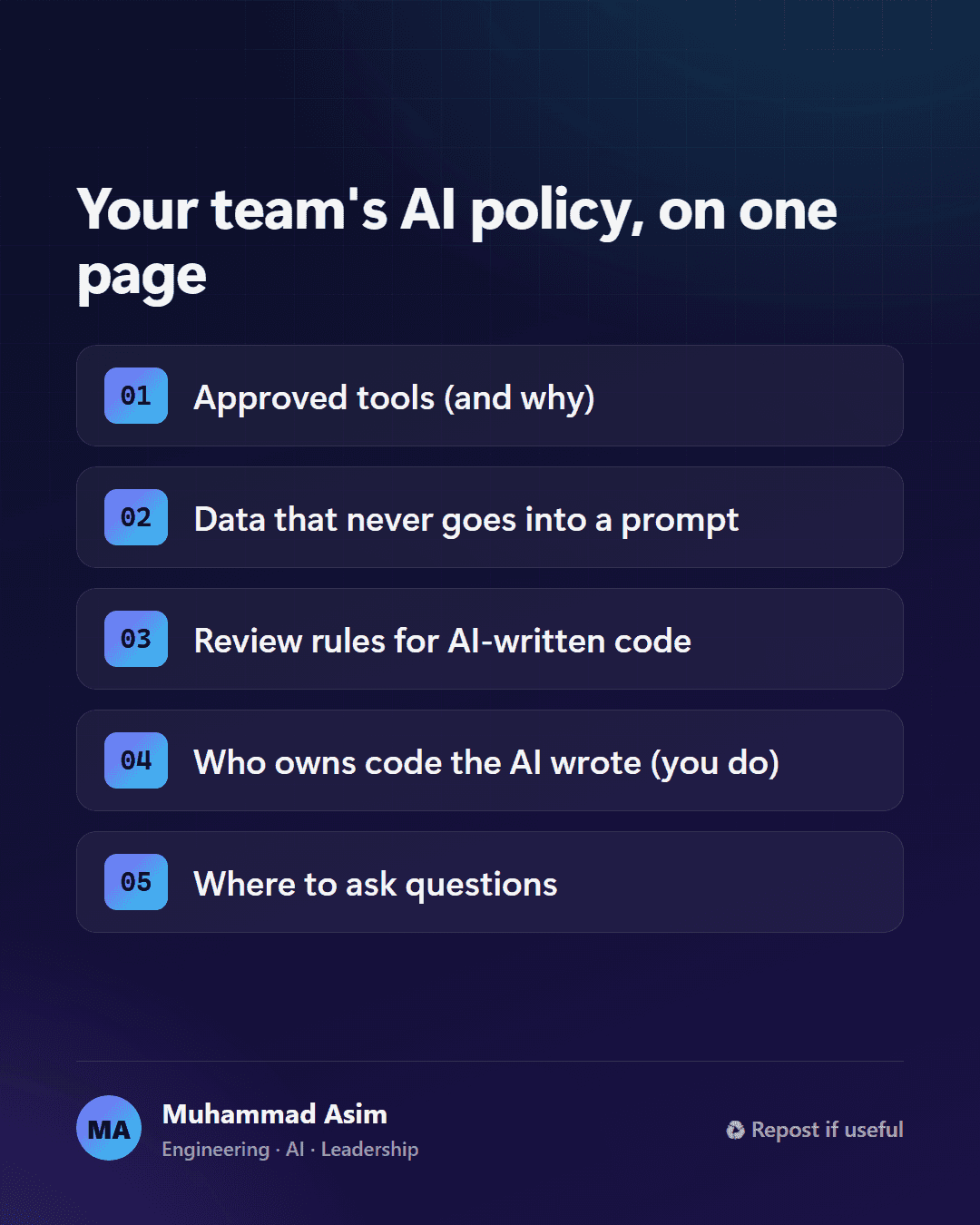
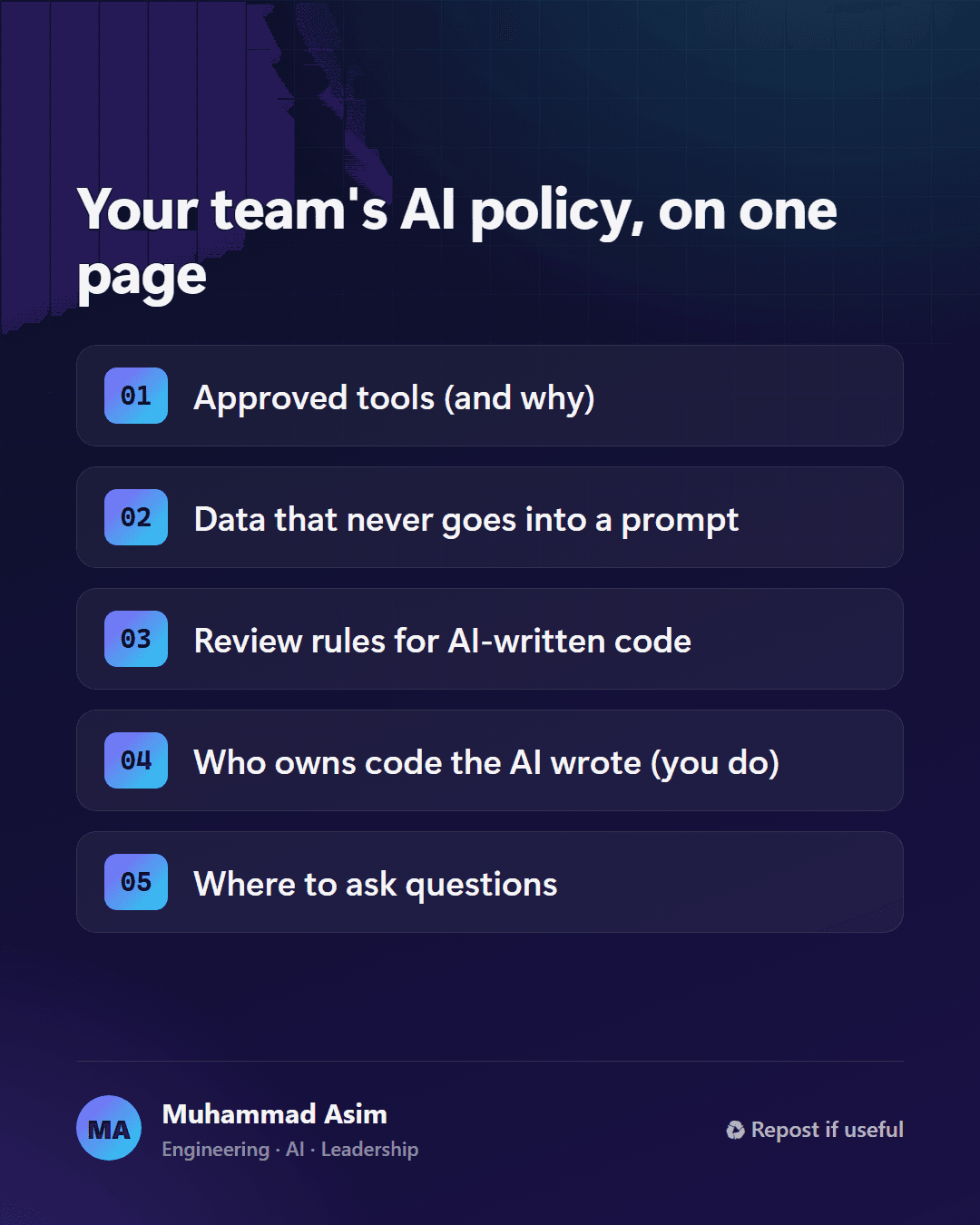
Does your team have an AI policy? It does not need to be a 40-page document. A one-page AI usage policy with five clear sections is enough to move fast safely.


The Hidden Cost of AI-Generated Code (and How to Budget for It)
Unlimited AI-generated code, reviews sold separately. AI made writing code almost free, so the real cost of AI-generated code moved to review, testing and maintenance.
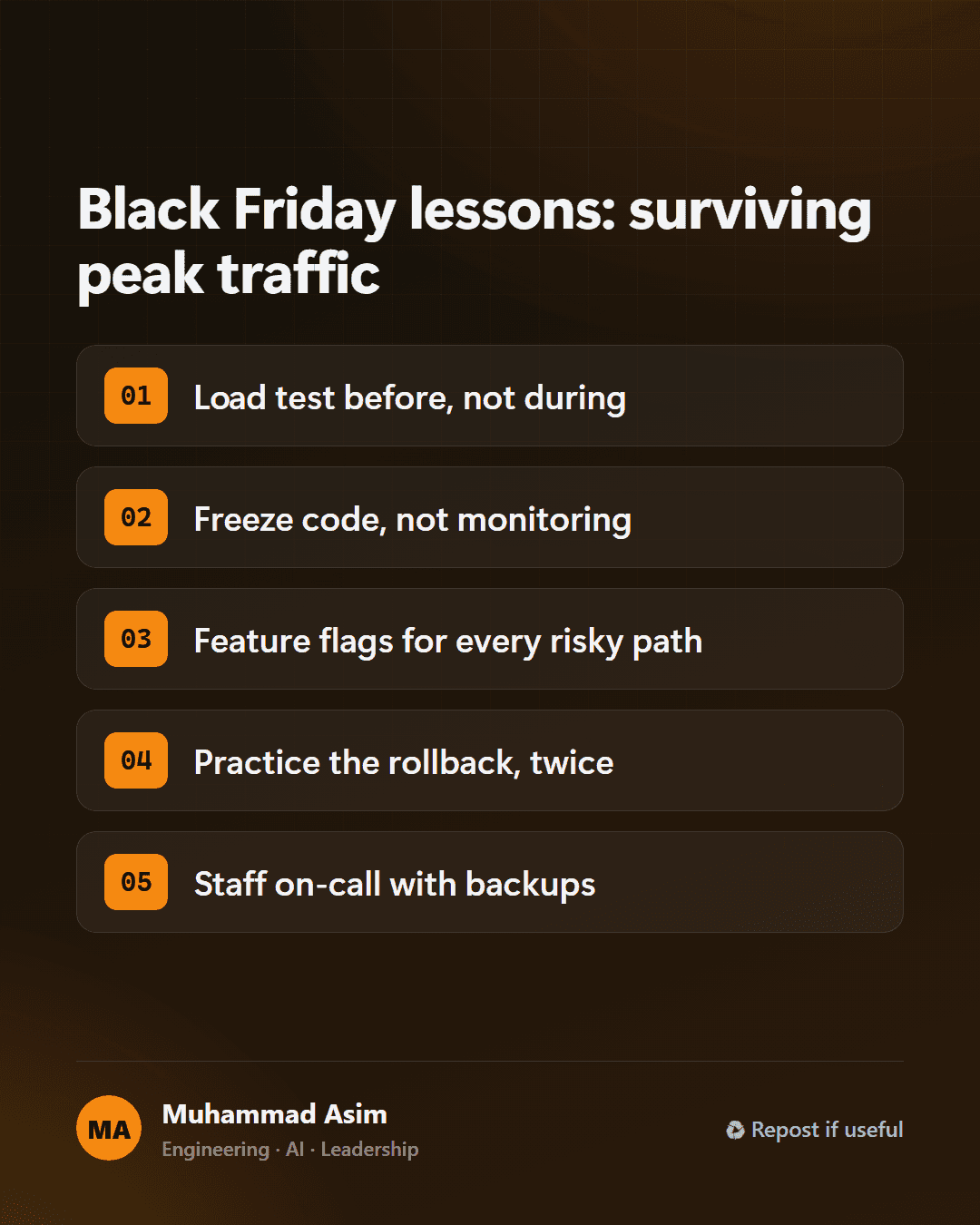
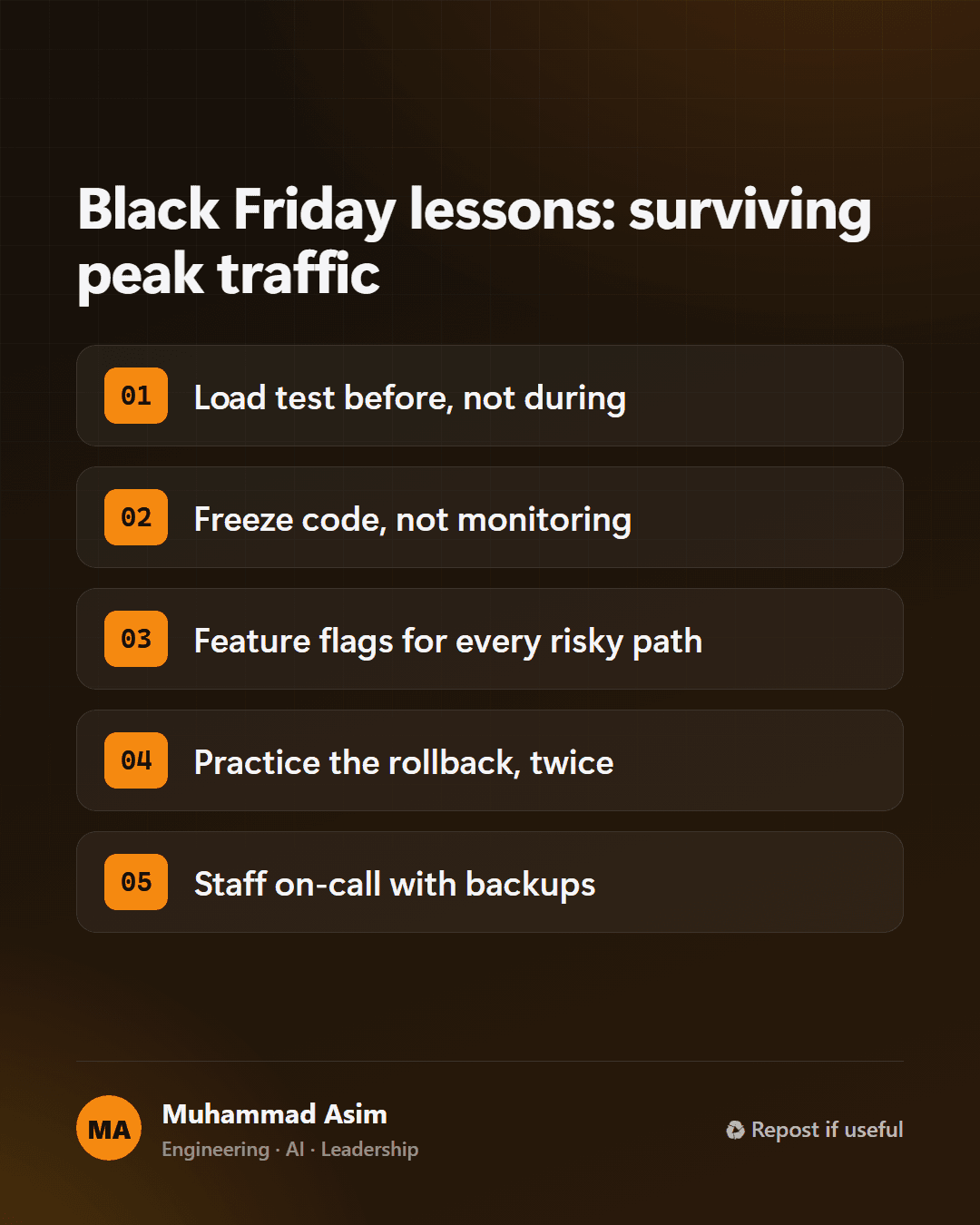
How to Prepare for Black Friday Traffic: 5 Lessons From Peak Seasons
Black Friday is the biggest stress test of the year for many engineering teams. Here are five lessons to prepare for Black Friday traffic, and any other peak day.
Comments