How to Prepare for Black Friday Traffic: 5 Lessons From Peak Seasons
It is Black Friday, the biggest stress test of the year for many engineering teams. Traffic jumps, every checkout matters and small weaknesses turn into big incidents. If you want to prepare for Black Friday traffic, or any peak event like a big launch or a seasonal sale, the work happens weeks before the day itself.
Peak days don't create problems. They reveal them.
Why peak days are different
Normal traffic hides a lot. A slow database query that takes a bit longer than it should is fine at low volume. At several times normal load, it holds connections, queues build up and the whole site slows down. A third-party service that rarely times out starts timing out often. A cache that usually hits starts missing because of new traffic patterns.
Peak events also bring pressure. Marketing has campaigns running. Leadership is watching the numbers. Every minute of downtime has a clear cost. That pressure makes it harder to think clearly, which is why preparation matters so much.
Five lessons to prepare for Black Friday traffic
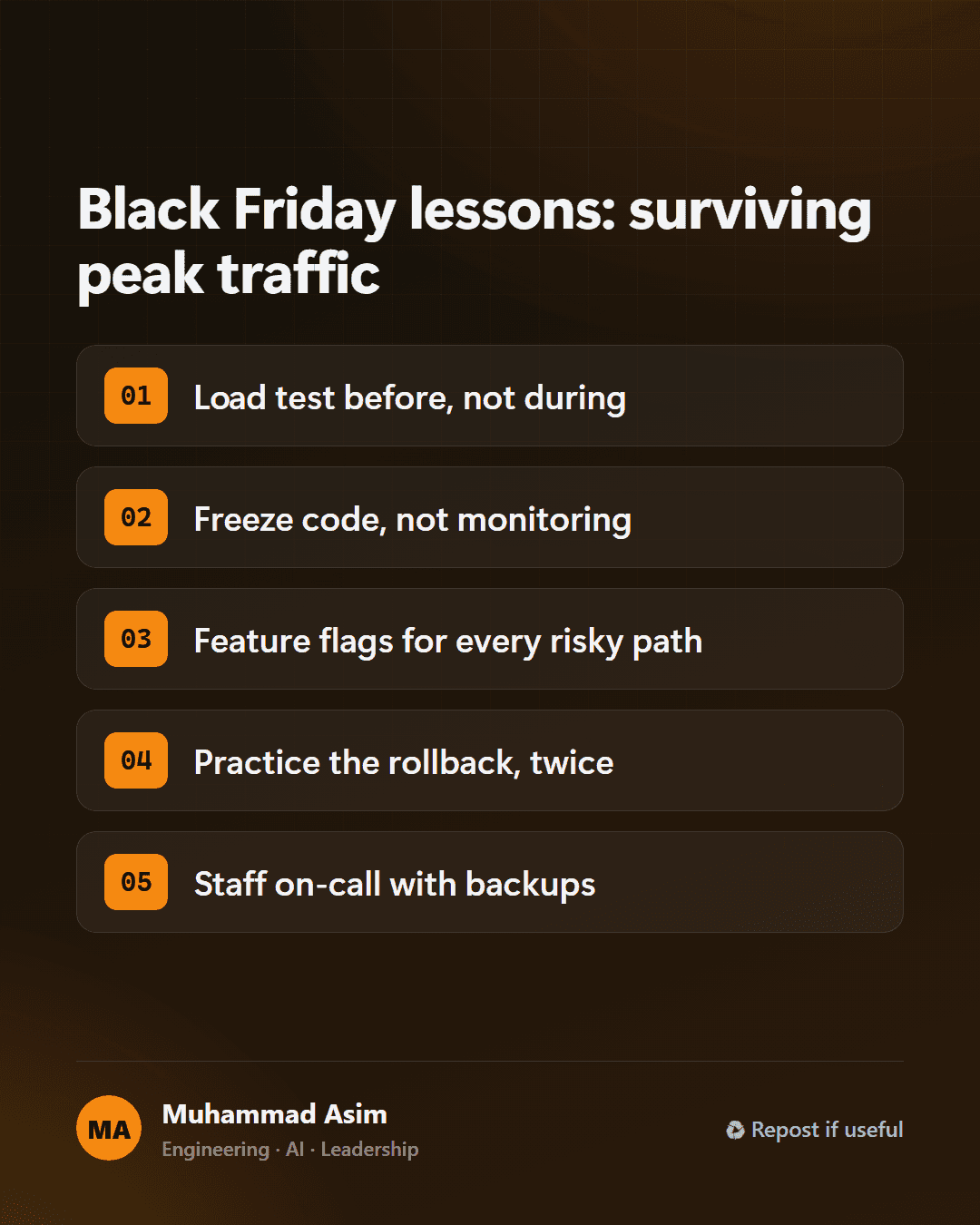
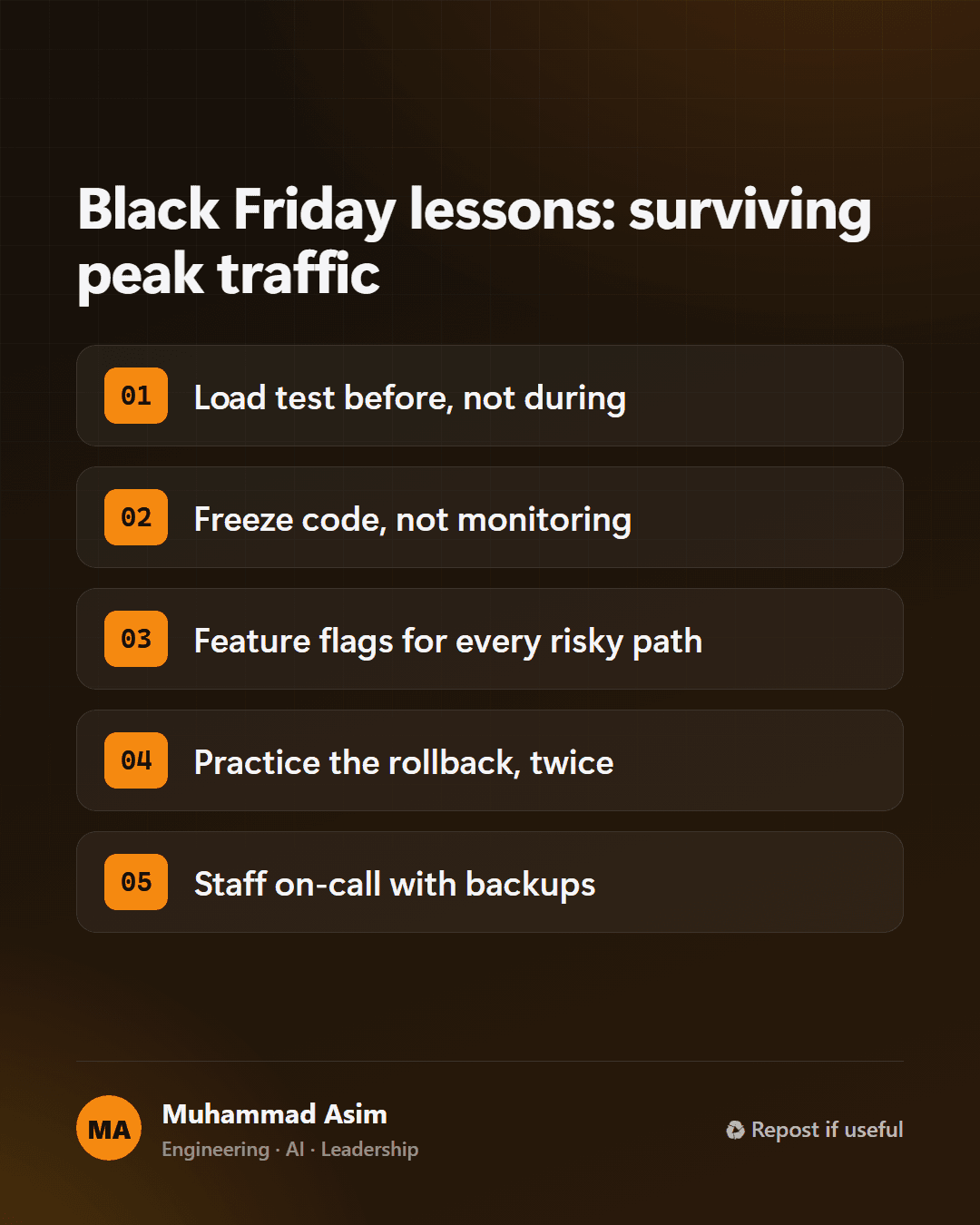
1. Load test before the event, not during it
Your users should not be your first load test. Run realistic load tests well before the event, ideally in an environment close to production. Test the paths that matter most: home page, search, product pages, cart and checkout.
Look for the first thing that breaks. It is often the database, a connection pool, a rate limit on a third-party API or an under-sized cache. Fix it, test again and find the next limit. Also test scaling itself: does your system actually add capacity fast enough when traffic spikes?
2. Freeze the code, not the monitoring
A code freeze before a peak event is wise. Fewer changes mean fewer new risks. But monitoring is the opposite. This is the time to improve dashboards, tune alerts and make sure you can see what matters: error rates, response times, checkout success, queue depth and database load.
Good monitoring answers one question quickly: are customers able to do what they came to do? If your dashboards cannot answer that, fix them before the freeze.
3. Put every risky path behind a feature flag
Feature flags let you turn things off without a deploy. Before the event, wrap risky or expensive features in flags: heavy recommendations, new experiments, non-essential widgets. If the system is under strain, you can switch them off and protect the core flow.
Plan this in advance. Decide which features are "nice to have" and can be disabled, and which are essential. Write that list down so nobody has to decide under pressure.
4. Practice the rollback. Twice.
Everyone has a rollback plan. Fewer teams have actually used it recently. Practise rolling back a deployment, a config change and a database migration where possible. Time it. Make sure more than one person knows how.
Do it twice, because the first practice usually reveals a missing step or permission. The second one proves the fix.
5. Staff on-call with backups, and buy them pizza
Make sure the on-call rotation for the event is clear, with a primary, a backup and people who can reach the key systems. Share a simple incident process: who leads, who communicates, where updates go. Have contact details for important vendors ready.
And look after the people. Plan shifts so nobody works a full day of stress alone. Food helps more than you might think.
A simple readiness checklist
Use this a few weeks before your next peak event:
- Load tests run on key user journeys, bottlenecks fixed.
- Auto-scaling tested, with limits and quotas checked.
- Caching reviewed for the most visited pages.
- Dashboards and alerts focused on customer outcomes.
- Code freeze dates agreed and shared.
- Feature flags in place for non-essential features.
- Rollback practised, steps written down.
- On-call schedule, backups and incident roles confirmed.
After the peak
When the day is over, write down what happened while it is fresh. What broke, what almost broke, what worked well. Turn the lessons into tickets for next year. Teams that do this get calmer every season.
Front-end performance matters on peak days too, because slow pages lose sales even when the servers are fine. My older post on optimizing React applications has practical tips, and my Next.js development work covers building fast, cache-friendly sites. If you want help reviewing your readiness before a big event, get in touch.
To all engineers watching dashboards today: you've got this.
First shared on LinkedIn.
Subscribe to my newsletter
Read articles from Tech With Asim | Learn, Build, Lead directly inside your inbox. Subscribe to the newsletter, and don't miss out.
More Articles
How to Use AI to Understand a Legacy Codebase Faster
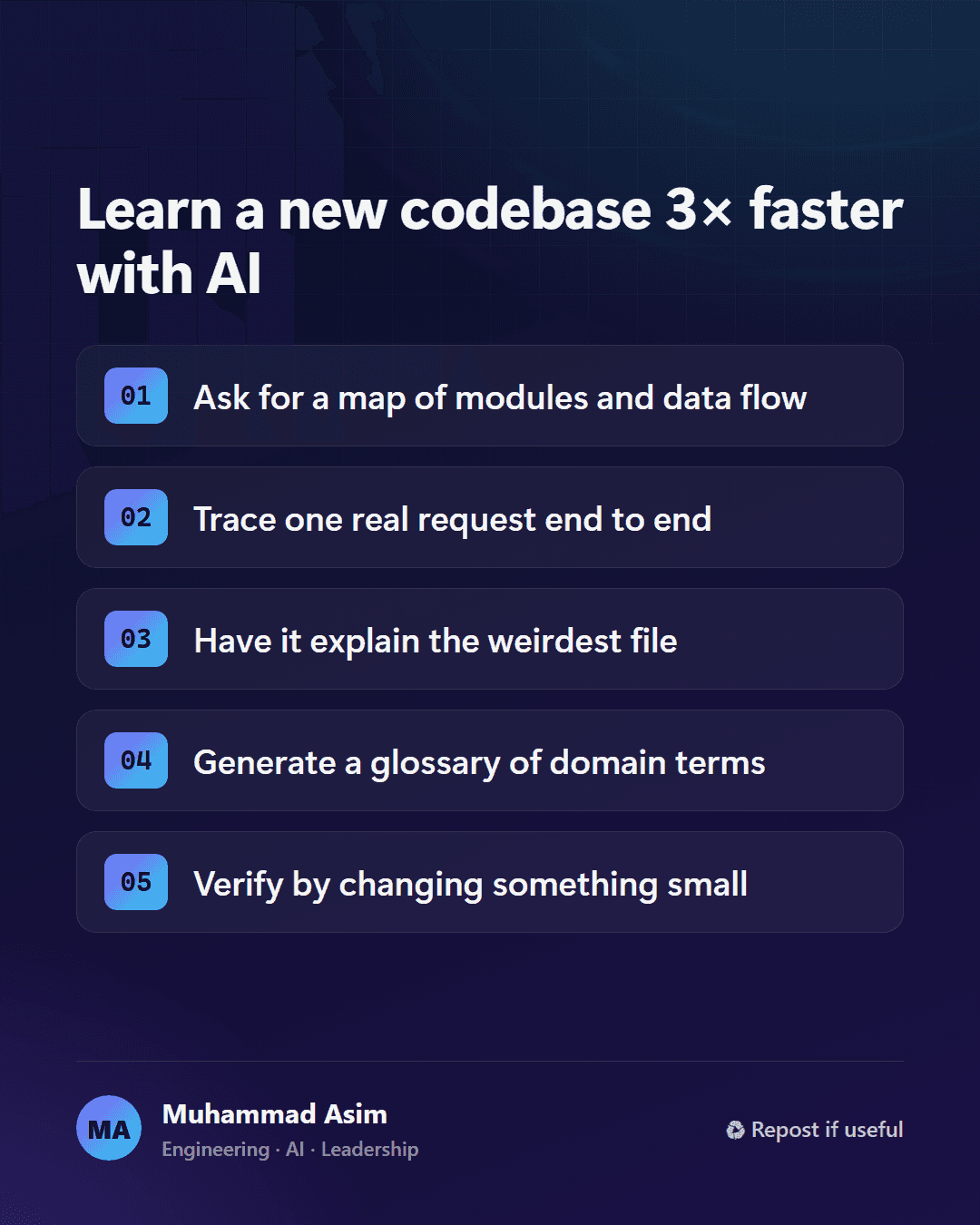
Joined a new team or inherited old code? AI is an amazing tour guide. Here is my five-step process to understand a legacy codebase faster, while you stay in control.
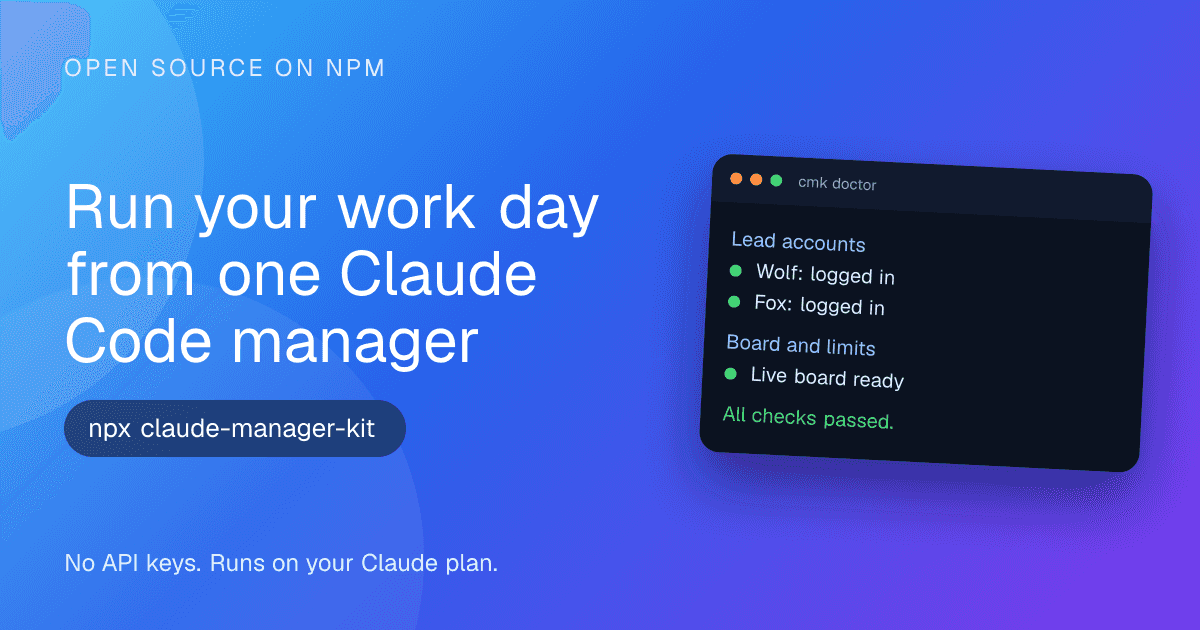
claude-manager-kit: Run Your Work Day From One Claude Code Manager Session
An open-source npm package that turns your Claude plan into a manager that triages, delegates to parallel leads and learns from ratings. No API keys.
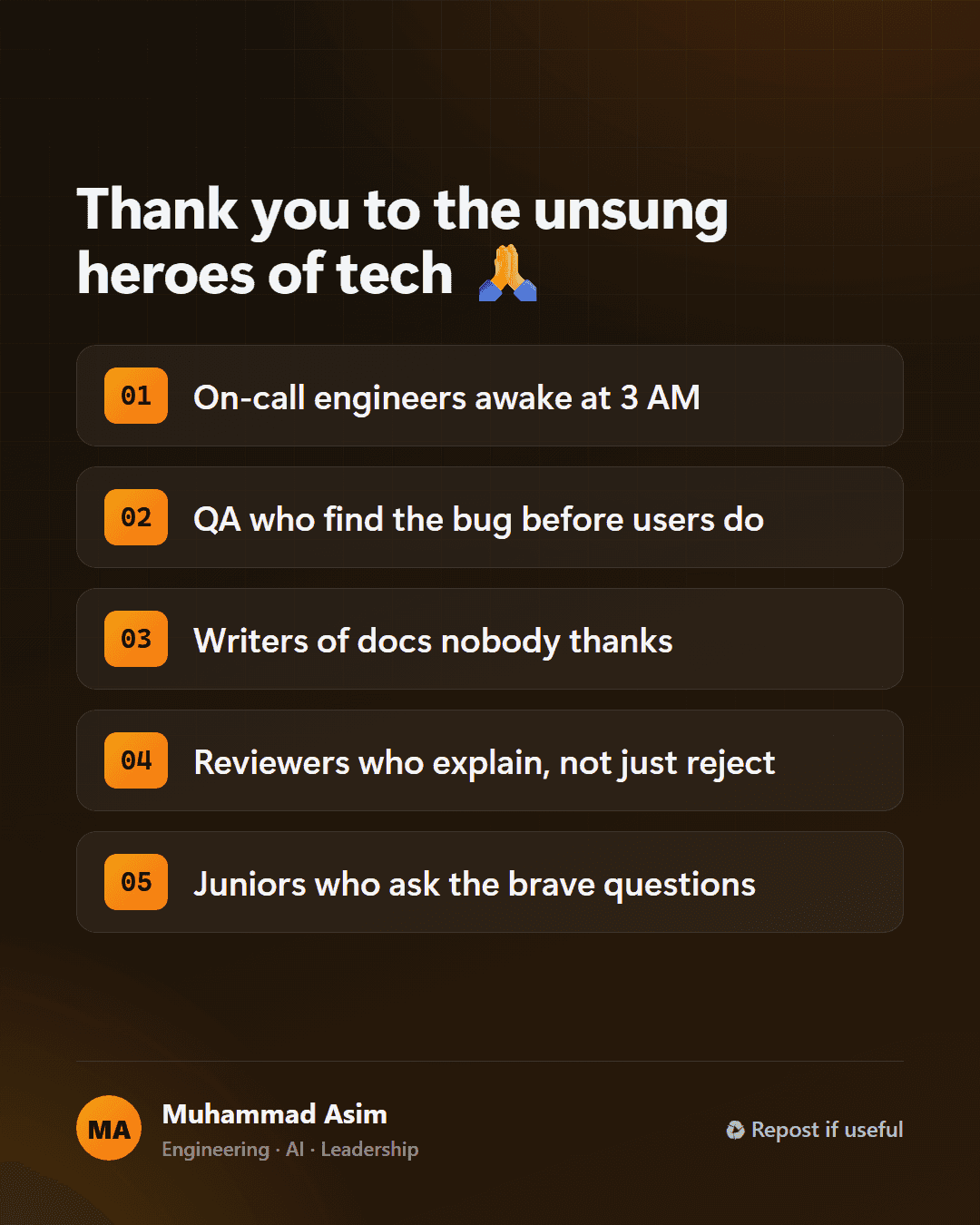
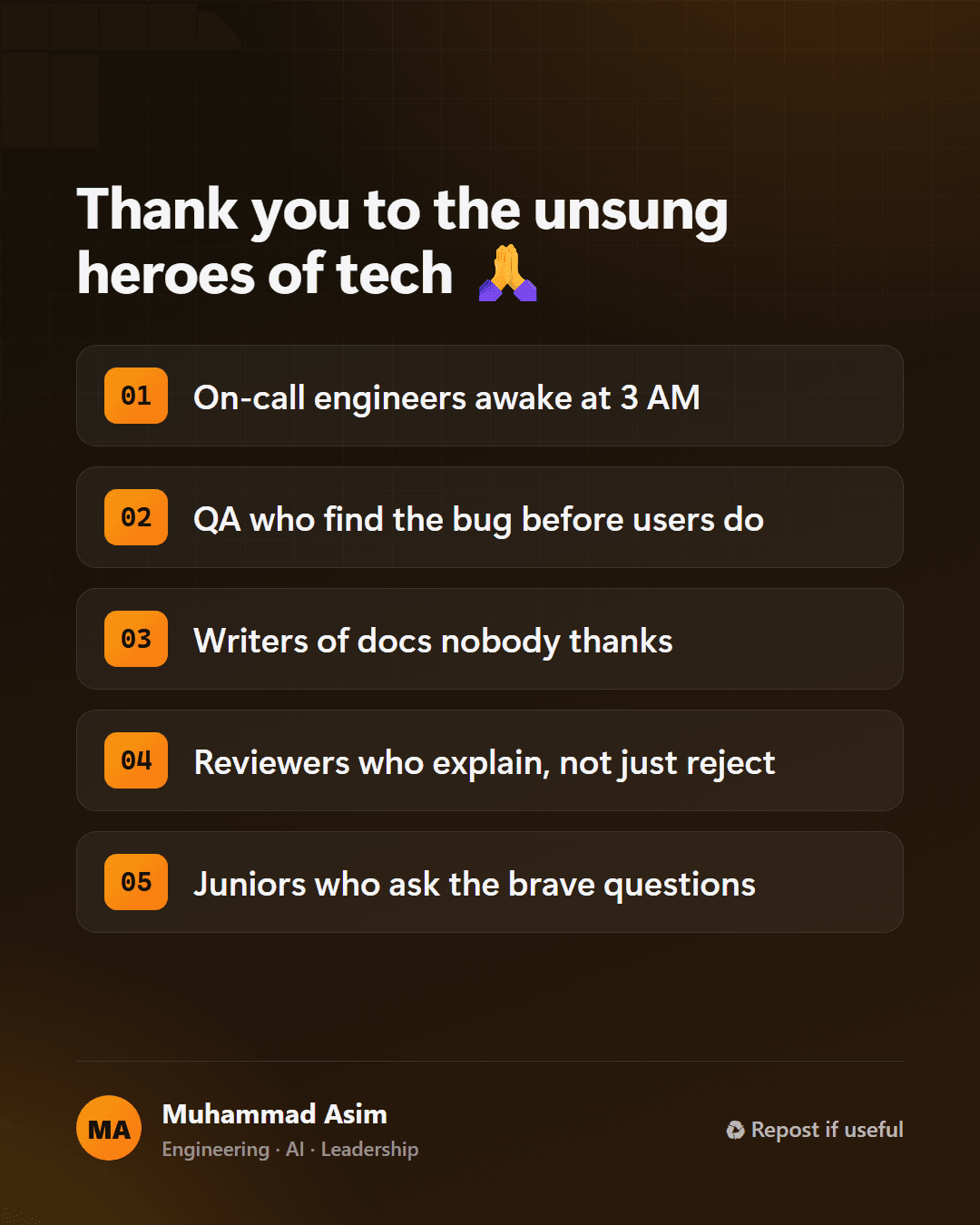
Thanking the Unsung Heroes of Software Teams (and Making Their Work Visible)
It is Thanksgiving in the US, so let us thank the unsung heroes of software who keep things running, and look at how teams can make that invisible work visible.
Comments