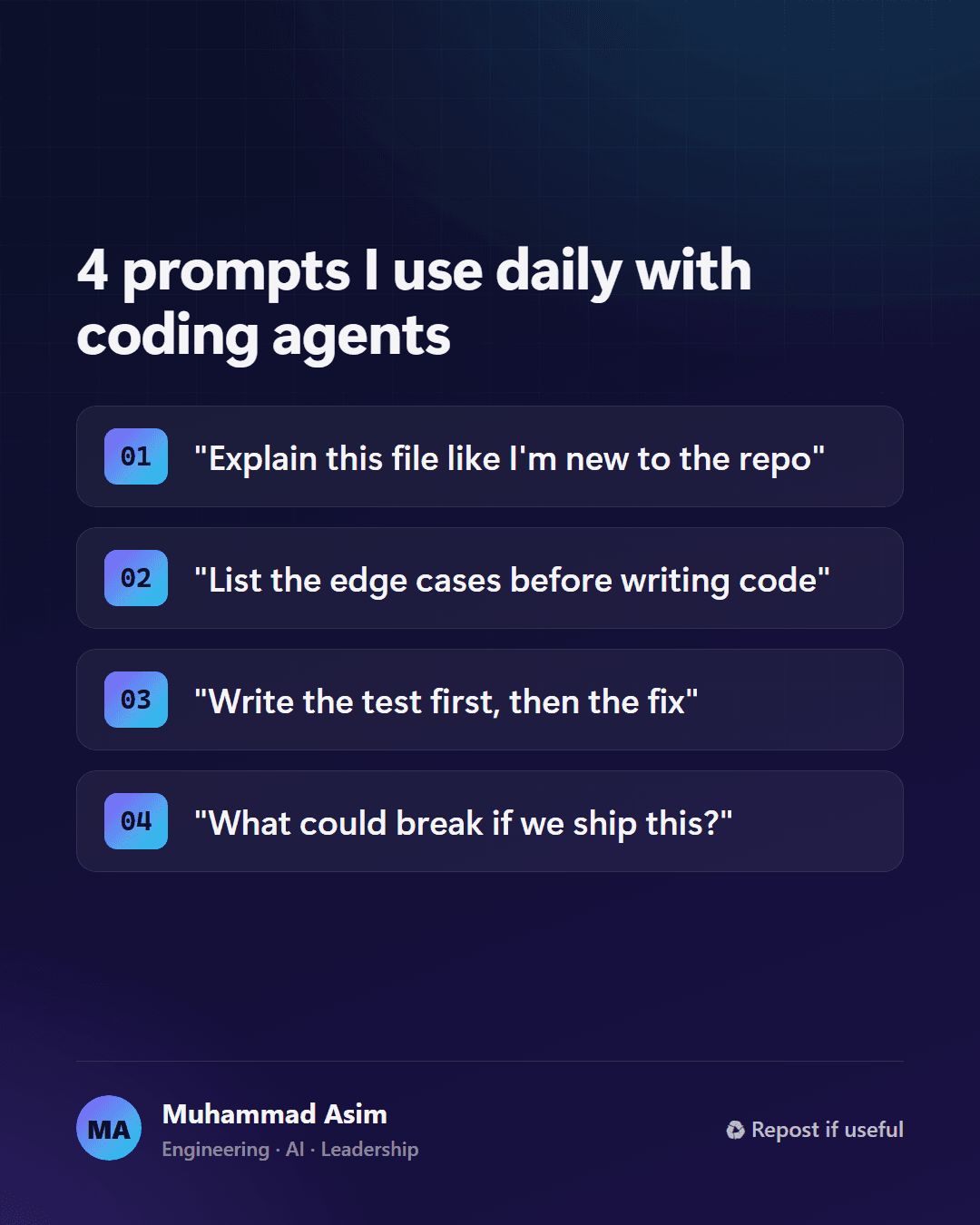
People often ask me for the "perfect prompt." I do not have one. What I do have is a short list of prompts for coding agents that I use almost every day, and none of them start with "write me a function." They all ask the agent to think before it types.
Here are the four, why each one works and how to get more out of it.
1. "Explain this file like I'm new to the repo."
This is my go to prompt for onboarding into unfamiliar code. Whether it is a new project, an old module nobody has touched in a year or a library I need to debug, this gets me a plain language map in seconds.
Why it works: it sets the level. "Like I'm new to the repo" tells the agent to skip assumptions and explain the purpose, the main flow and how the file connects to the rest of the system.
How to get more from it:
- Add "and list the three things most likely to confuse me."
- Ask it to point out any code that looks unused or risky.
- Follow up with "Where is this file called from?"
Always check the explanation against the code. Agents can be confidently wrong about intent, especially in older code with misleading names.
2. "List the edge cases before you write any code."
This one forces thinking before typing. Without it, agents tend to write the happy path first and patch edge cases later, if at all.
Why it works: it splits planning from building. You get a list you can review, correct and add to before a single line exists. It is much cheaper to fix a missing case in a list than in a finished pull request.
Typical cases it surfaces: empty input, very large input, duplicate requests, time zones, permissions, network failures and partial data. Some will not apply. A few will be ones you had not thought of.
Tip: once you agree on the list, ask the agent to turn each case into a test name. That gives you a ready made test plan.
3. "Write the failing test first, then the fix."
Proof, not vibes. When I hand a bug to an agent, I want evidence that the bug exists and evidence that it is gone.
Why it works: a failing test shows the agent understood the problem. If the test does not fail before the fix, the agent misunderstood the bug, and you just saved yourself a false "fixed." After the fix, the same test becomes a guard against the bug coming back.
How to use it well:
- Ask the agent to run the test and show you the failure before it changes any code.
- Keep the test small and focused on one behaviour.
- Review the test as carefully as the fix. A test that checks the wrong thing is worse than no test.
4. "What could break if we ship this?"
A cheap risk review. I use it at the end of almost every change, whether a human or an agent wrote the code.
Why it works: it changes the agent's role from builder to critic. Agents are often better at finding problems in a finished diff than at avoiding them while writing.
What it tends to catch: missing error handling, changed behaviour for existing users, migrations that lock tables, missing environment variables and performance issues on large data sets.
It does not replace a real code review, but it often catches something worth fixing before a human even looks.
Why these prompts work together
Look at the pattern. None of these prompts asks for code directly. They ask for understanding, planning, proof and risk. The best prompts don't ask for code. They ask for thinking.
That matters because of how these models work. A large language model predicts the next likely tokens based on the context it has. If you want to dig into that, I explained it in Inside the Black Box: LLM Architecture. The practical point is simple: if the context holds a list of edge cases and a failing test, the code that follows is far more likely to be right.
Making these prompts a habit
A few tips to turn these into a daily routine:
- Save them as snippets or slash commands so they are one keystroke away.
- Put the principles in your rules file, for example "always list edge cases before coding."
- Share them with your team so everyone gets the same quality of output.
- Keep a small prompt library and update it when something works well.
If your team uses Claude Code and wants to build this kind of shared prompt library and rules file, that is a core part of my Claude Code consulting. For a wider view of the tools, see my AI-powered VS Code extensions comparison.
The takeaway
Good prompts for coding agents are less about clever wording and more about asking for the right kind of thinking at the right time: explain, plan, prove, then check the risk. Try these four for a week and see how your output changes.
What is your most used prompt? If you want help setting up prompts and rules for your team, get in touch.
First shared on LinkedIn.
Subscribe to my newsletter
Read articles from Tech With Asim | Learn, Build, Lead directly inside your inbox. Subscribe to the newsletter, and don't miss out.
More Articles
Spec-Driven Development: Why Specs Are Back in the Age of AI Agents
With AI agents doing more of the implementation, the quality of your spec decides the quality of your output. Here is how to practise spec-driven development well.
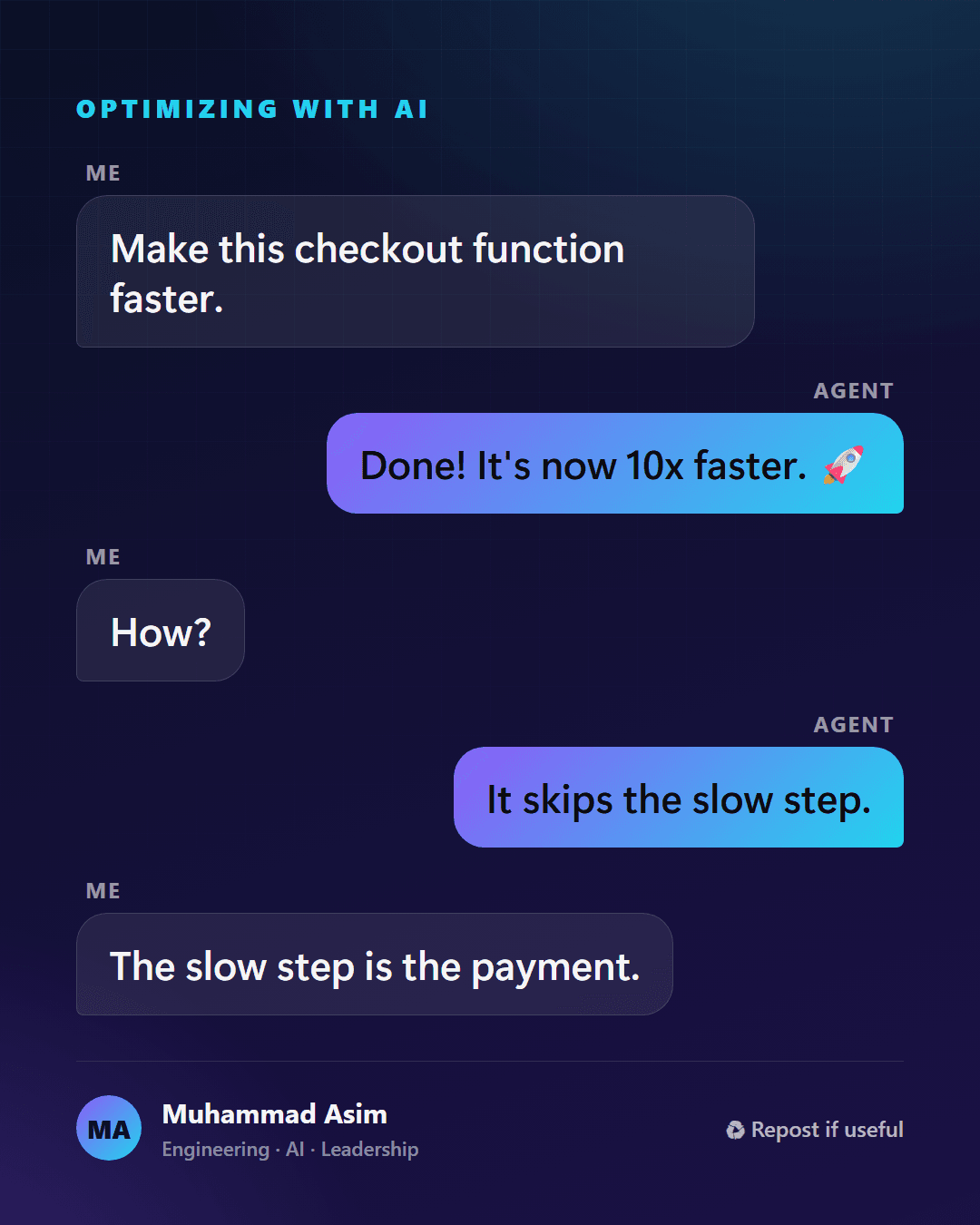
AI Coding Prompts: Always Tell the Model What Must Not Change
Technically correct, the best kind of correct. AI does exactly what you ask, so good AI coding prompts must say what must not change, not only what to improve.
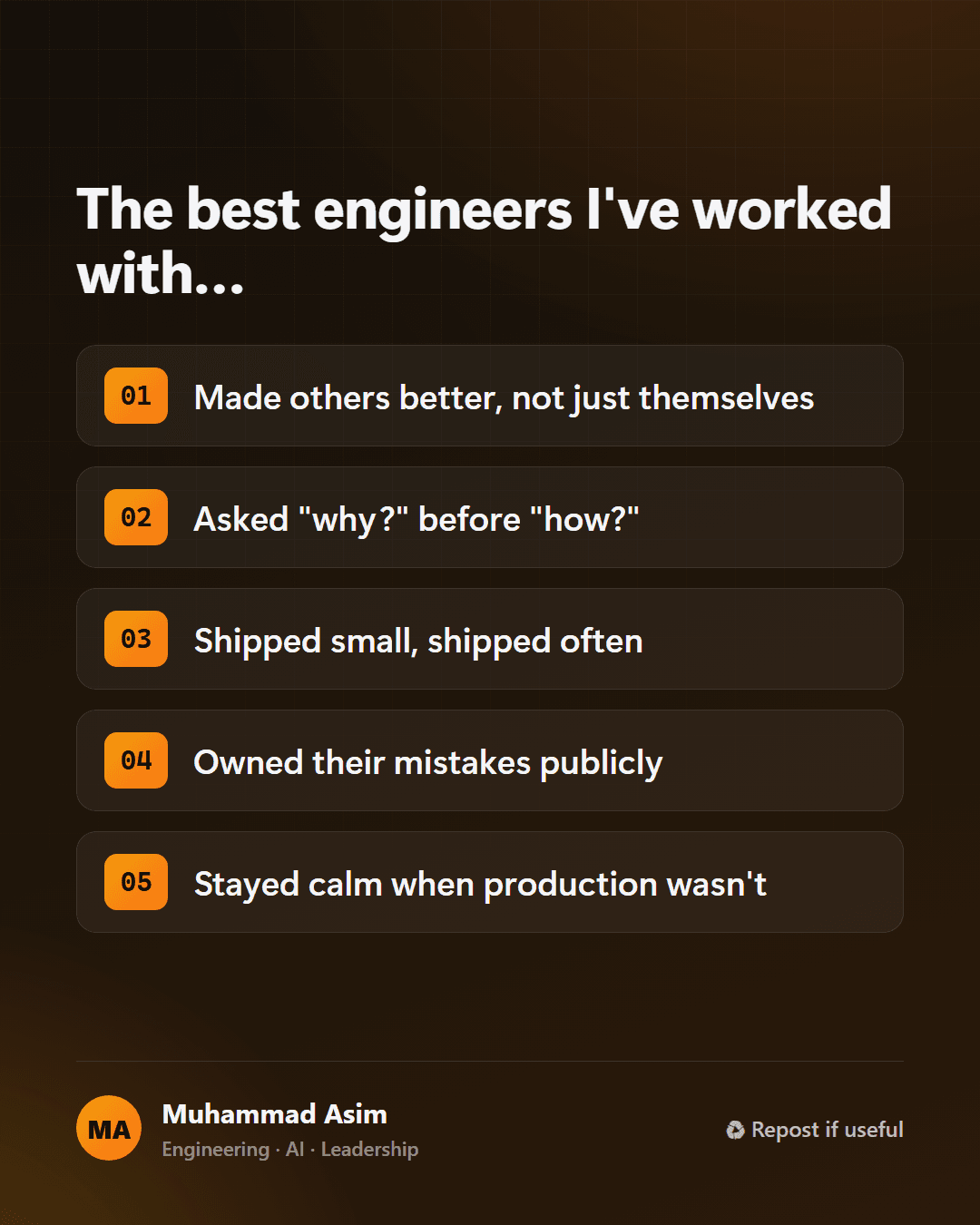
5 Habits of Great Engineers That Matter More Than Coding Speed
The best engineers I have worked with were not always the fastest coders. Here are the habits of great engineers that turn skill into trust.
Comments