One Manager Agent, Many AI Workers: How I Orchestrate Coding Agents
A few months ago I was running AI coding agents the usual way: one chat, one task, me copy-pasting context between windows and chasing every thread myself. It worked, but I was the bottleneck. Every task needed me to start it, feed it and check on it. Today I orchestrate coding agents very differently: one manager agent in front, many AI workers behind it.
Here is how the setup works, and the lesson that mattered more than any model upgrade.
The problem with one chat, one task
The usual way to use coding agents is simple. Open a session, describe a task, wait, review, repeat. For a single task that is fine. For a full day of work it breaks down:
- Context lives in your head and gets copied by hand between sessions.
- Agents sit idle while you are busy elsewhere.
- Review happens in the same session that built the code, so it tends to agree with itself.
- Nothing stops you from overloading your machine or yourself.
I wanted something closer to how a good engineering team runs: clear roles, a steady flow of work and checks that do not depend on me remembering them.
How the setup is organised
1. Two machines, two accounts
My laptop handles managing and communication. A headless workstation does the hands-on work. Keeping them apart means heavy builds and test runs never slow down the machine I use to think, read and talk to people.
2. One manager agent in front
The manager agent watches my tickets, chats and mail around the clock. It triages what matters and routes each task to the right session. It does not write code. Its job is intake and routing, much like a team lead sorting the backlog each morning.
3. Five parent agents behind it
Three parent agents are for development and two are for independent review. Each one starts a child job per task, so work runs in parallel without tasks stepping on each other. Keeping review agents separate from build agents was a deliberate choice, and I will come back to why.
4. A load gate
The workstation never takes more than it can handle. If it is busy, new work waits in line. This sounds minor, but without it parallel agents compete for resources and everything slows down or fails in odd ways.
5. A fixed delivery pipeline
Every task follows the same path: plan, build, test, independent review, stage test with screenshots, then hand over to QA. No step is optional. The screenshots matter more than they sound, because they let a human check the result at a glance.
6. Guardrails that do not bend
Anything touching production, payments or auth waits for my approval. Agents never merge to main on their own. These rules are not suggestions in a prompt. They are hard limits in how the system is set up.
The biggest lesson: treat agents like a team
The gain did not come from a smarter model. It came from treating agents like a team, with clear roles, a review step that is separate from the build step, and one place where everything comes in.
Each part of that maps to something good leads already do with people:
- Clear roles. Builders build, reviewers review, the manager routes. Nobody does everything.
- Separate review. An agent that reviews its own work tends to approve it. A fresh reviewer with no stake in the code finds more.
- One intake. When work arrives in one place, nothing gets lost and priorities stay visible.
This is why I keep saying that working with agents looks a lot like engineering leadership. The same principles apply. If you want the basics of the concept first, see What Is an Agentic Workflow?
If you want to build something similar
You do not need two machines to start. A smaller version works too:
- Separate build and review into different sessions, with different instructions.
- Write a fixed pipeline that every task must follow, and keep it in a shared rules file.
- Set hard guardrails for production, payments, auth and merges to main.
- Limit parallel work to what your machine and your attention can handle.
- Create one intake point where all tasks arrive before they are routed.
Start with one or two of these and add more as you learn. I describe more of my approach in my AI native engineering workflow. If your team wants to design a similar setup on Claude Code, that is what my Claude Code consulting is for.
The takeaway
When you orchestrate coding agents well, your job shifts from doing every task to designing the system that does them safely. Clear roles, separate review, one intake and firm guardrails matter more than which model you pick.
How are you running your agents today: one chat at a time, or as a team? If you want help setting this up, get in touch.
First shared on LinkedIn.
Subscribe to my newsletter
Read articles from Tech With Asim | Learn, Build, Lead directly inside your inbox. Subscribe to the newsletter, and don't miss out.
More Articles
Spec-Driven Development: Why Specs Are Back in the Age of AI Agents
With AI agents doing more of the implementation, the quality of your spec decides the quality of your output. Here is how to practise spec-driven development well.
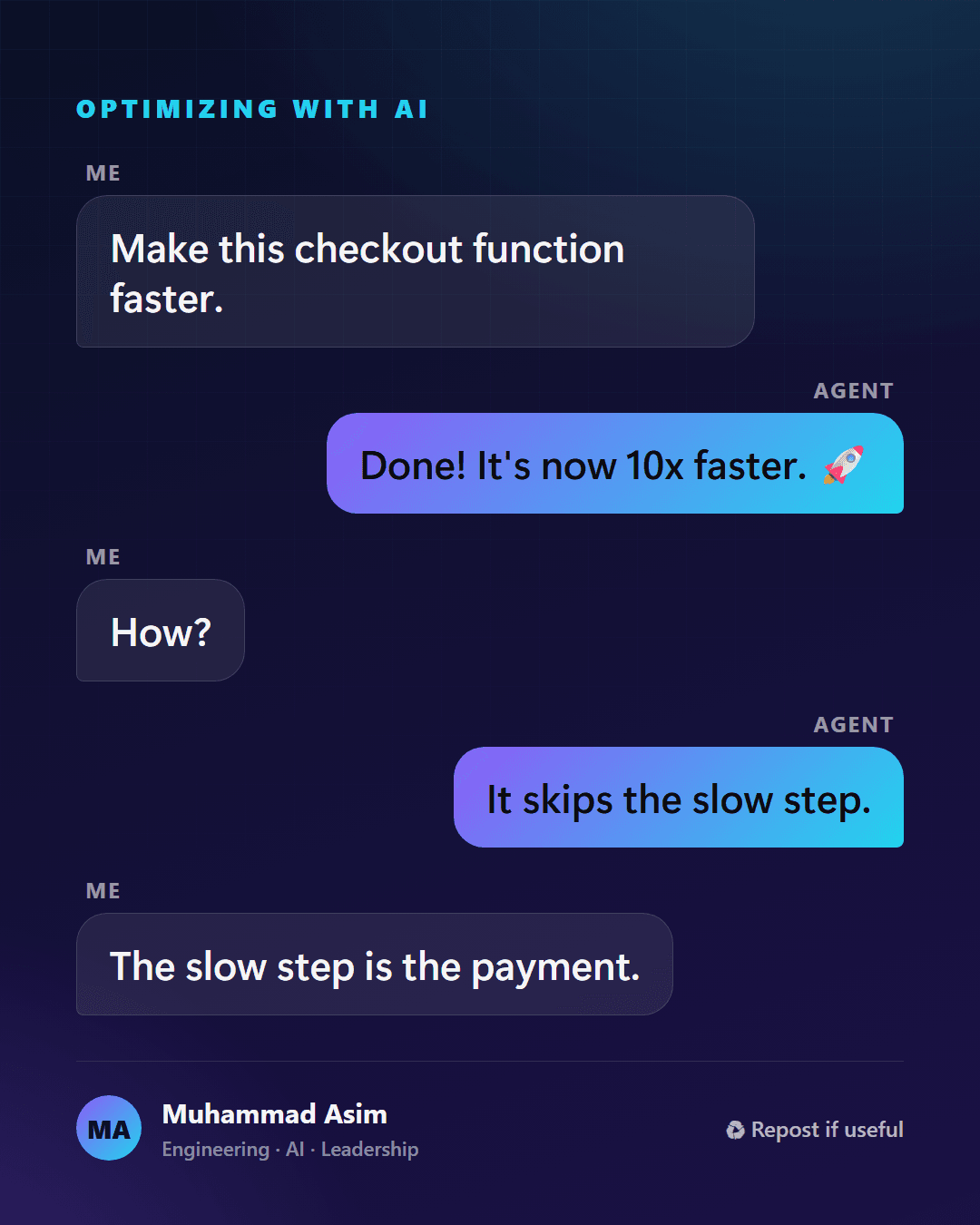
AI Coding Prompts: Always Tell the Model What Must Not Change
Technically correct, the best kind of correct. AI does exactly what you ask, so good AI coding prompts must say what must not change, not only what to improve.
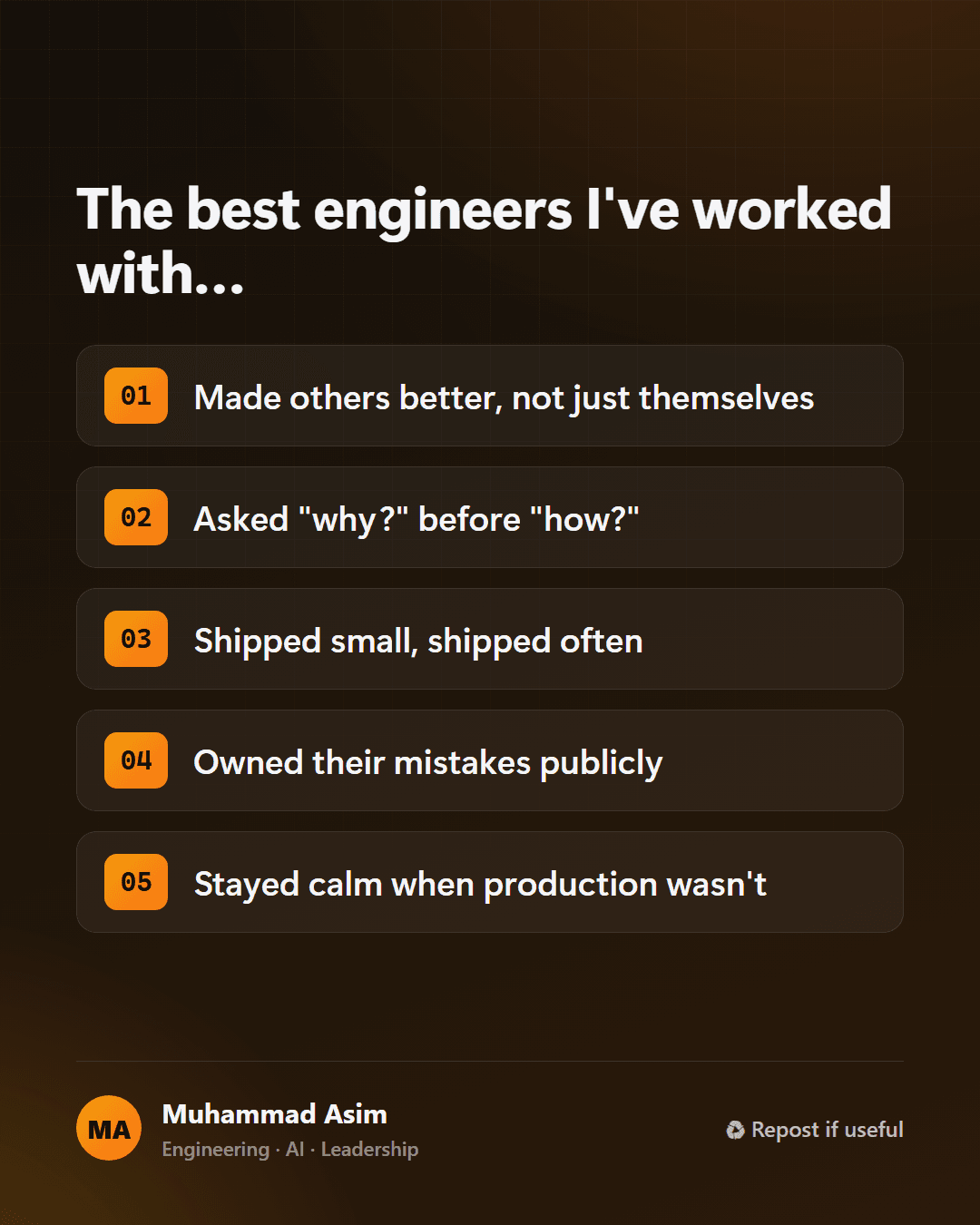
5 Habits of Great Engineers That Matter More Than Coding Speed
The best engineers I have worked with were not always the fastest coders. Here are the habits of great engineers that turn skill into trust.
Comments