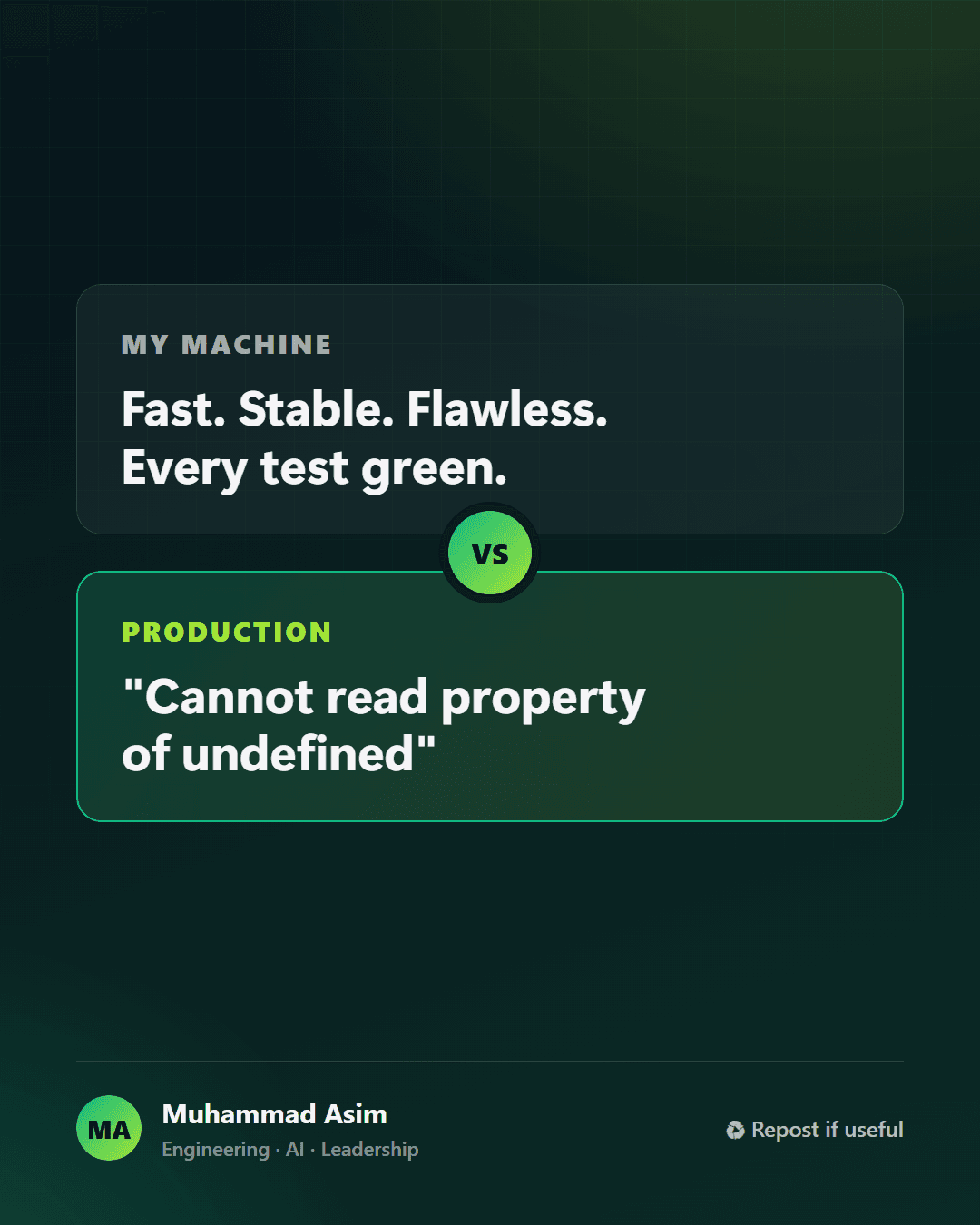
It Works on My Machine: A Practical Guide to Environment Parity
"It works on my machine." The four most famous words in software history. Every developer has said it, and every developer has heard it in a tone that was not friendly. If something works on my machine but fails in staging or production, the bug is rarely magic. It is almost always a difference between environments.
Containers, dev environments and CI were basically invented to retire this sentence. And yet, here we are. The tools help, but the real fix is not a tool. It is a habit.
Why "works on my machine" keeps happening
Your laptop is a unique snowflake. Over months it collects versions, settings and data that nobody else has. Production is a different snowflake. The gaps between them usually fall into a few groups:
- Different versions. Node, a database, a system library or a package resolved to a different minor version.
- Different config. An environment variable set locally but missing in CI, or a feature flag that is on for you and off for everyone else.
- Different data. Your local database has ten tidy rows. Production has millions, with nulls, emojis, very long names and records from five years ago.
- Different paths through the code. You tested the demo path. Users found the other ones.
The fix is to shrink those gaps on purpose. That is what environment parity means: keeping development, staging and production as similar as you reasonably can.
Habit 1: Same config everywhere
Config is the most common cause, so start there.
- Pin your versions. Commit lock files. Set your runtime version in a file like
.nvmrcor in your container image. - Keep one list of environment variables. Commit a
.env.examplewith every variable your app needs, and fail fast at startup if one is missing. - Use the same build steps. The command that builds in CI should be the same one you run locally.
- Containerise where it helps. A container or dev container gives every machine the same base. It is not required for every project, but it removes a whole class of surprises.
I covered the front-end side of this in how to manage multiple React environments, which is still a common source of "works on my machine" pain.
Habit 2: Seed data that looks like real data
Most local bugs hide because the data is too clean. Build a seed script that creates realistic data:
- Long names, empty fields and special characters.
- Old records with missing fields from earlier versions of your schema.
- Enough rows to make slow queries visible.
- Users with different roles and permissions.
Never copy real production data with personal information to a laptop. Generate it, or use a properly anonymised copy. The goal is realistic shape, not real people.
Habit 3: Test the unhappy paths, not just the demo path
The demo path is the one you click through ten times a day. Users take every other path. Make a habit of testing:
- What happens when the API is slow or returns an error?
- What happens with an expired session?
- What happens when the user double clicks submit?
- What happens on a small screen or a slow network?
Write automated tests for the most important ones, and run them in CI on every change. CI is your neutral machine. If it passes there, it is not just your machine any more.
A quick parity checklist
Before you say a feature is done, run through this:
- Does it build and pass tests in CI, not just locally?
- Are all new environment variables listed in
.env.exampleand set in every environment? - Did you test it with realistic seed data?
- Did you try at least three unhappy paths?
- Does staging use the same versions and build steps as production?
If you work in Next.js, a lot of this can be set up once and reused; it is part of how I approach Next.js development for teams.
The takeaway
"It works on my machine" is not a joke about laptops. It is a signal that your environments have drifted apart. Same config everywhere, seed data that looks real, and tests for the unhappy paths will retire the sentence far better than any single tool.
What is the strangest "works locally" bug you have hit? If your team keeps losing time to environment issues, get in touch.
First shared on LinkedIn.
Subscribe to my newsletter
Read articles from Tech With Asim | Learn, Build, Lead directly inside your inbox. Subscribe to the newsletter, and don't miss out.
More Articles
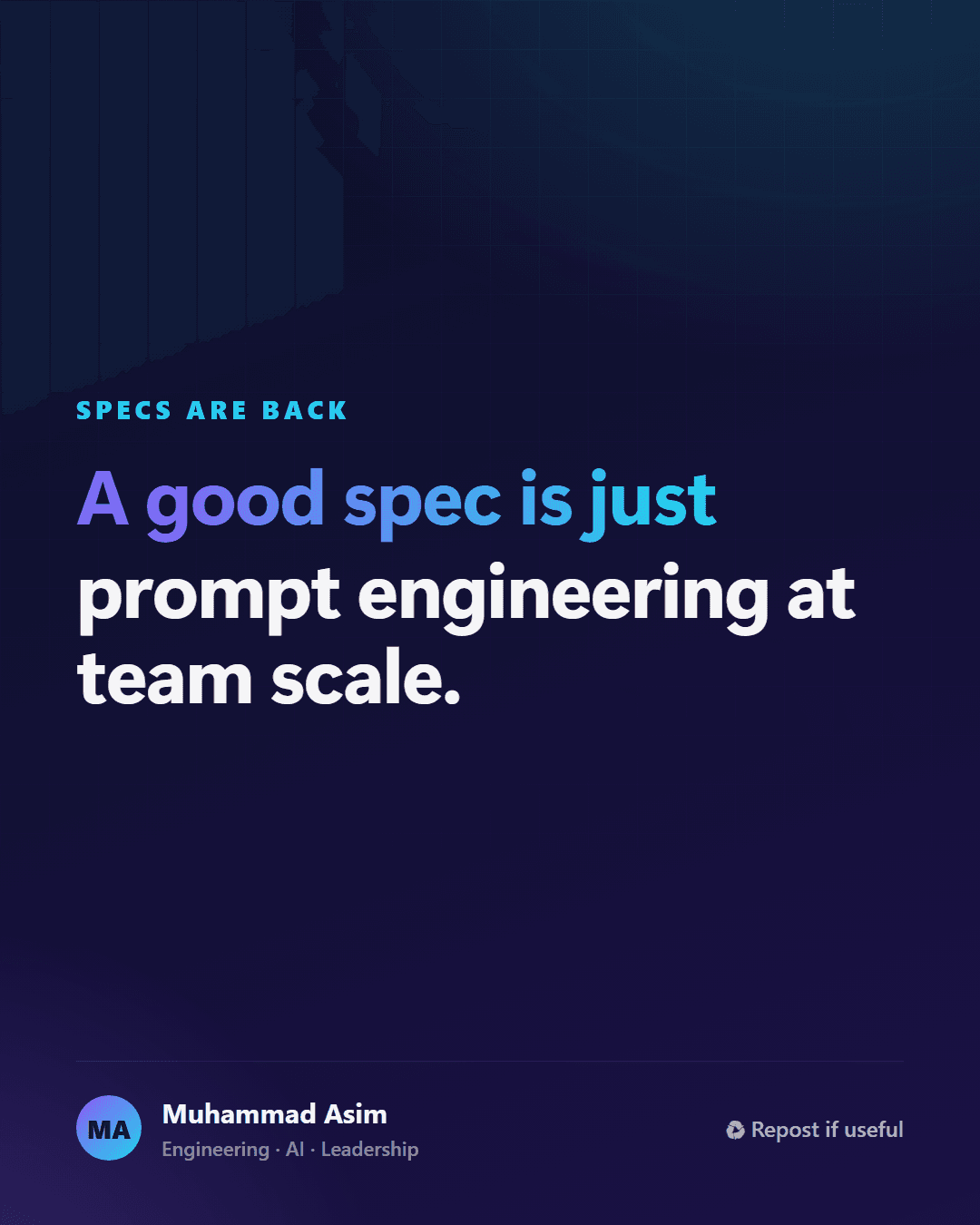
Spec-Driven Development: Why Specs Are Back in the Age of AI Agents
With AI agents doing more of the implementation, the quality of your spec decides the quality of your output. Here is how to practise spec-driven development well.
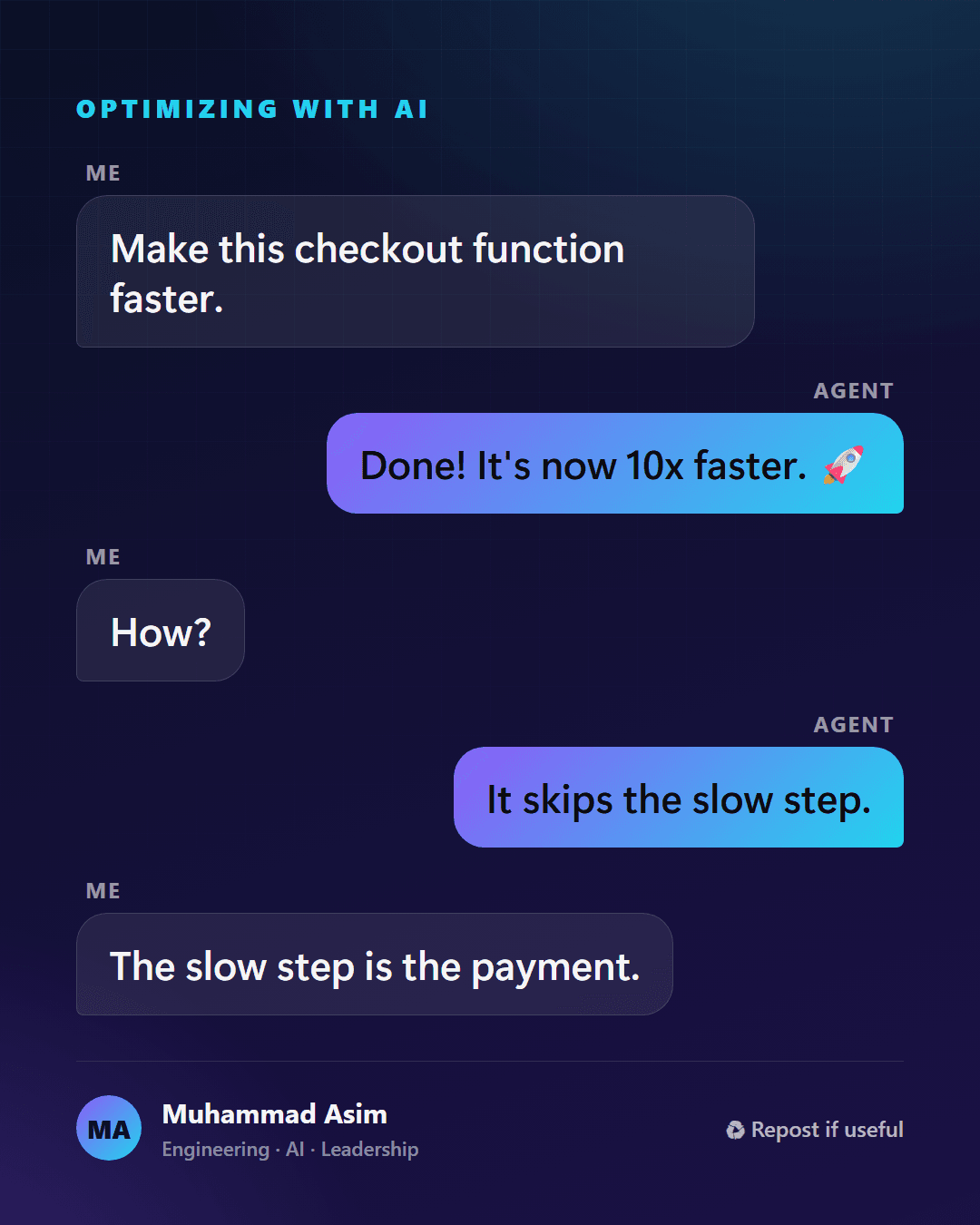
AI Coding Prompts: Always Tell the Model What Must Not Change
Technically correct, the best kind of correct. AI does exactly what you ask, so good AI coding prompts must say what must not change, not only what to improve.
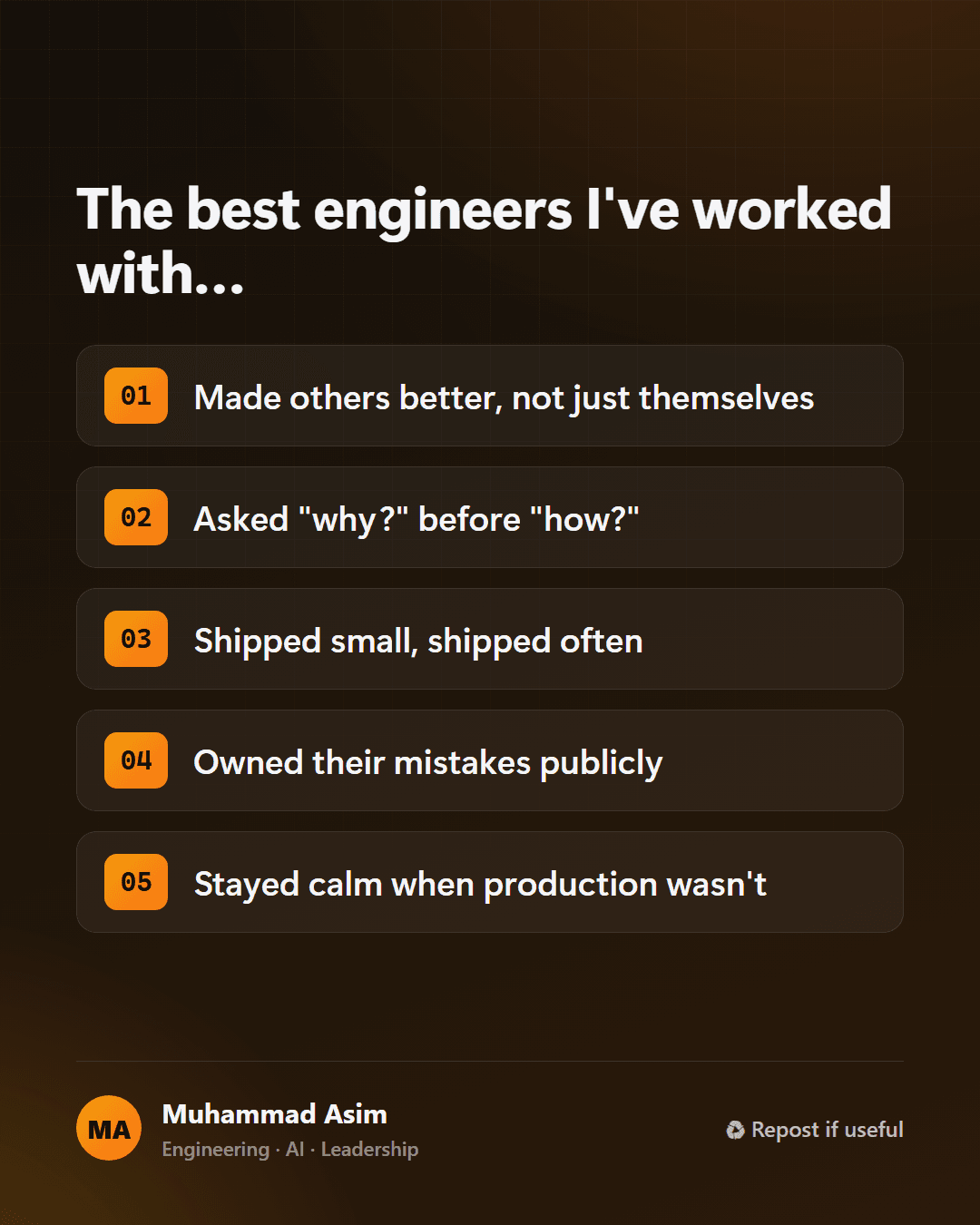
5 Habits of Great Engineers That Matter More Than Coding Speed
The best engineers I have worked with were not always the fastest coders. Here are the habits of great engineers that turn skill into trust.
Comments