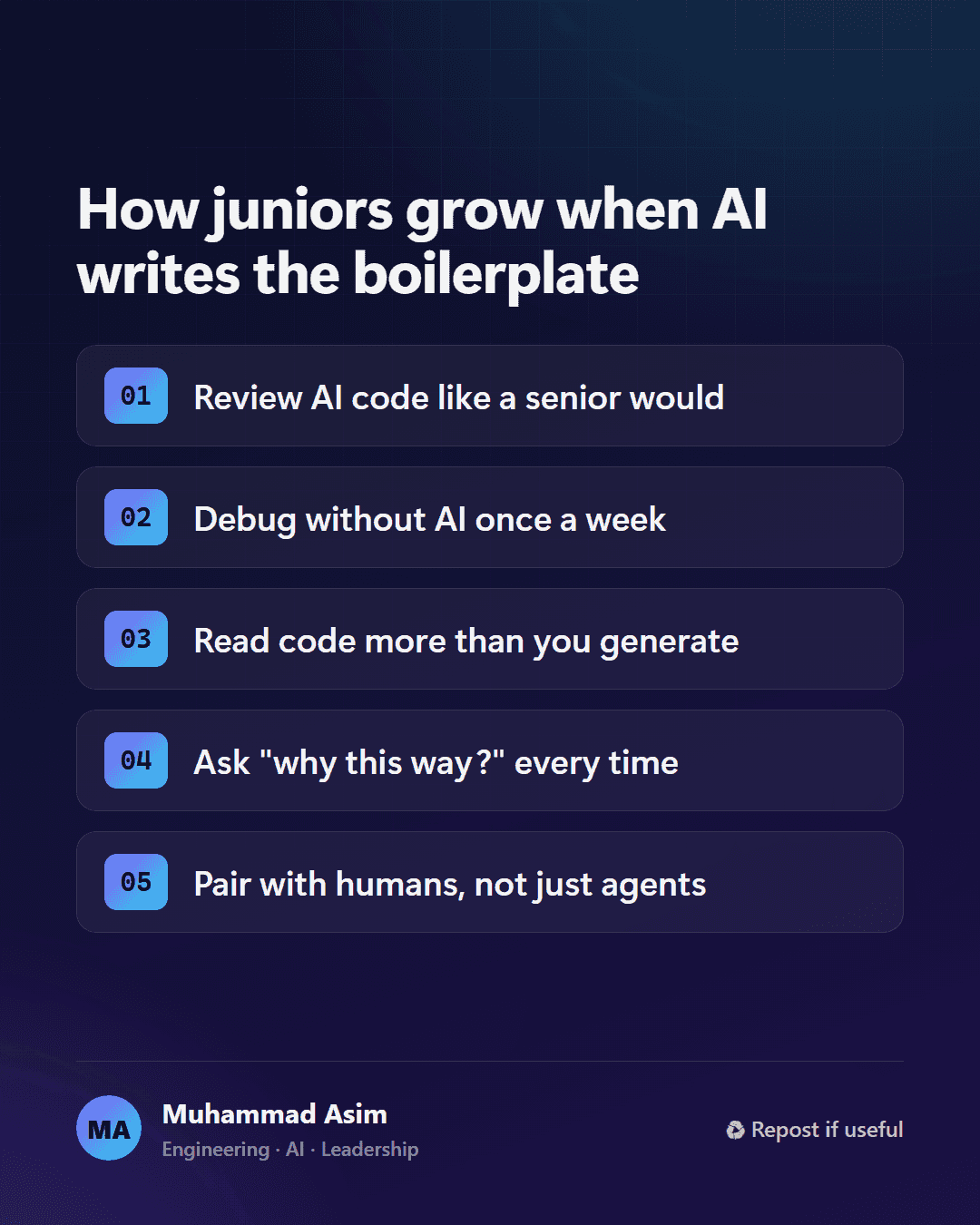
The big question of 2026 is a simple one: how do junior engineers grow when AI writes the boilerplate? A lot of the work that used to teach new developers the basics is now done in seconds by a tool. That is great for speed. It is risky for learning. So when people ask me about AI for junior developers, my answer is not "use it less". It is "use it in a way that still makes you better".
Here is the advice I give to early-career devs, and why each habit matters.
Why this is harder for juniors than for seniors
Senior engineers learned the hard way. They wrote the boilerplate by hand, broke things in production and spent nights reading stack traces. That pain built judgment. When a senior uses AI today, they can spot bad output quickly because they have seen the failure before.
A junior does not have that library of mistakes yet. If the AI writes code that looks right, a junior often has no way to tell it is wrong. The danger is not that AI makes juniors lazy. The danger is that it removes the struggle that used to build understanding, without putting anything in its place.
The goal, then, is to bring some of that productive struggle back on purpose.
Five habits for growing with AI
1. Review AI code like a senior would
Do not just accept the output. Read it with one question in mind: what is wrong with this? Look for missing error handling, edge cases, naming that hides intent, and logic that only works for the happy path. Treat every suggestion as a pull request from a confident but new teammate. Finding the flaw is the exercise.
2. Debug without AI once a week
Pick one bug a week and fix it with only the debugger, the logs and your own head. It will be slower. That is the point. Debugging is a muscle, and muscles only grow under load. When you do go back to AI, you will ask far better questions.
3. Read more code than you generate
Good engineers are good readers. Read the code in your own codebase, in well-known open source projects and in the libraries you use every day. Notice how experienced people structure things. Reading teaches you patterns that generating never will, because generating hides the decisions from you.
4. Ask "why this way?" every single time
When AI gives you a solution, ask why it chose that approach. Then ask what the alternatives were. Then decide if you agree. This habit turns every suggestion into a small lesson. Over months, those small lessons add up to real design sense.
5. Pair with humans, not just agents
Mentorship still matters. A human can tell you why a decision was made three years ago, what the team tried before, and which shortcuts will hurt later. An agent does not have that context. Ask to pair with seniors, join code reviews, and listen in on design discussions.
How to use AI for junior developers without losing the skill
None of this means avoiding AI. Juniors who ignore AI will fall behind. The trick is to change how you use it. Some practical ideas:
- Ask for explanations, not just code. "Explain what this regex does, piece by piece" teaches more than "write me a regex".
- Try first, then compare. Write your own version, then ask AI for its version, and study the differences.
- Use AI to quiz you. Ask it to give you a small problem on a topic you are weak in.
- Keep a learning log. Write down one thing you learned from each AI session.
If you are new to working this way, my notes on vibe coding and on whether AI can replace you give more background on where AI helps and where it does not.
What seniors and leads can do
Growing juniors is also a leadership job. A few things I think teams should change:
- Review the reasoning, not just the code. In code review, ask juniors to explain the approach. If they cannot, that is the real issue to fix.
- Make space for slow work. Not every task should be optimised for speed. Some should be optimised for learning.
- Share your judgment out loud. When you reject an AI suggestion, say why. That is the knowledge juniors cannot get from a tool.
- Pair regularly. Short, frequent pairing sessions beat a quarterly mentoring meeting.
A short checklist for early-career engineers
Before you merge AI-assisted code, ask yourself:
- Can I explain every line to a teammate?
- Did I look for what is wrong, not just what is right?
- Do I know why this approach was chosen?
- Did I learn something I can use next time?
AI can speed up your output. Only you can speed up your understanding. That is the core of using AI for junior developers well, and it is a choice you make every day.
If you lead a team and want help shaping how your engineers learn with AI, get in touch.
Seniors: how are you mentoring juniors differently now? I would love to hear what is working for you.
First shared on LinkedIn.
Subscribe to my newsletter
Read articles from Tech With Asim | Learn, Build, Lead directly inside your inbox. Subscribe to the newsletter, and don't miss out.
More Articles
Rubber Duck Debugging: Why It Still Works When the Duck Can Talk Back
Explaining your code out loud forces you to notice what you skipped. Here is how rubber duck debugging works, and how to use AI as a duck that can talk back.
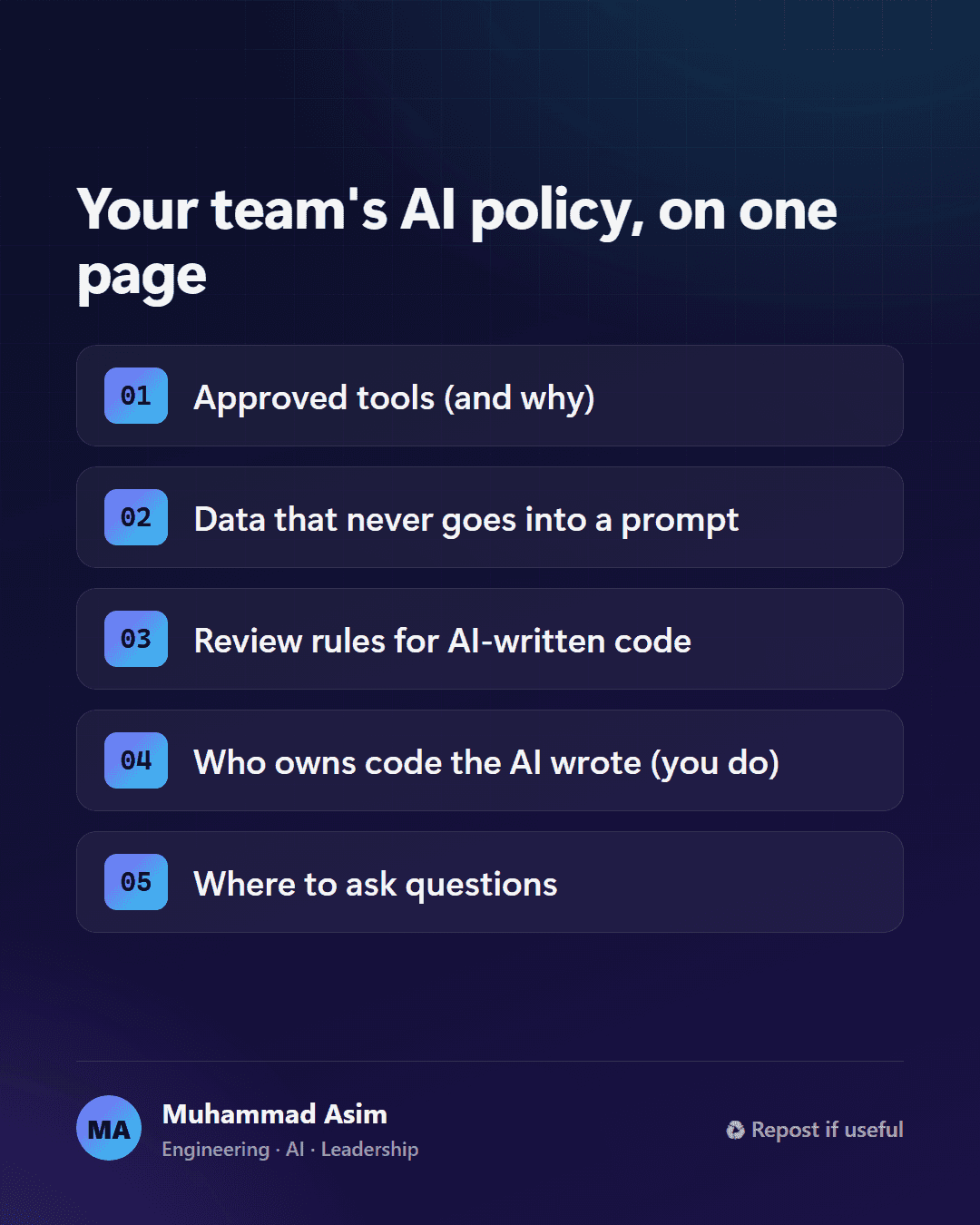
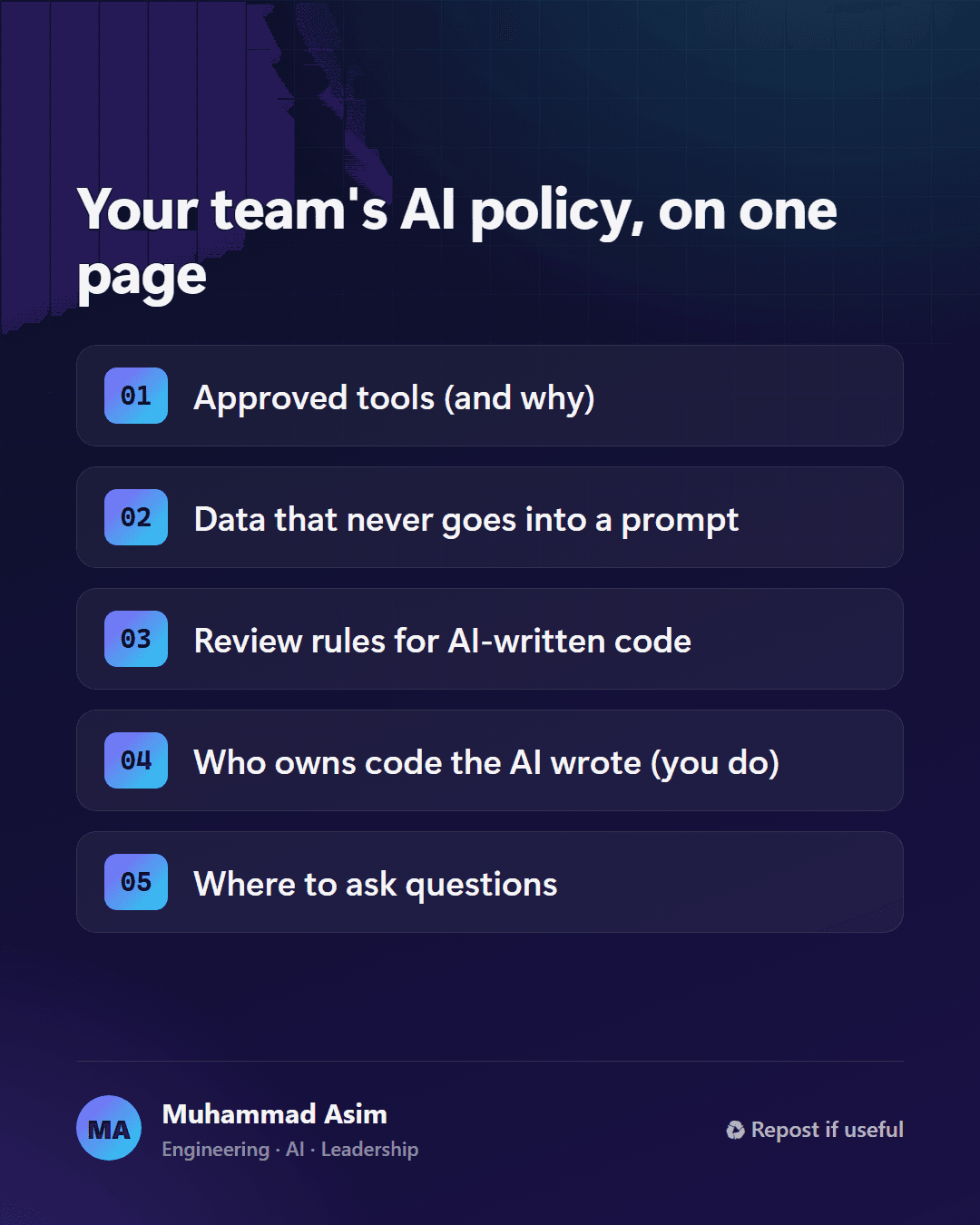
How to Write a One-Page AI Usage Policy for Your Engineering Team
Does your team have an AI policy? It does not need to be a 40-page document. A one-page AI usage policy with five clear sections is enough to move fast safely.


The Hidden Cost of AI-Generated Code (and How to Budget for It)
Unlimited AI-generated code, reviews sold separately. AI made writing code almost free, so the real cost of AI-generated code moved to review, testing and maintenance.
Comments