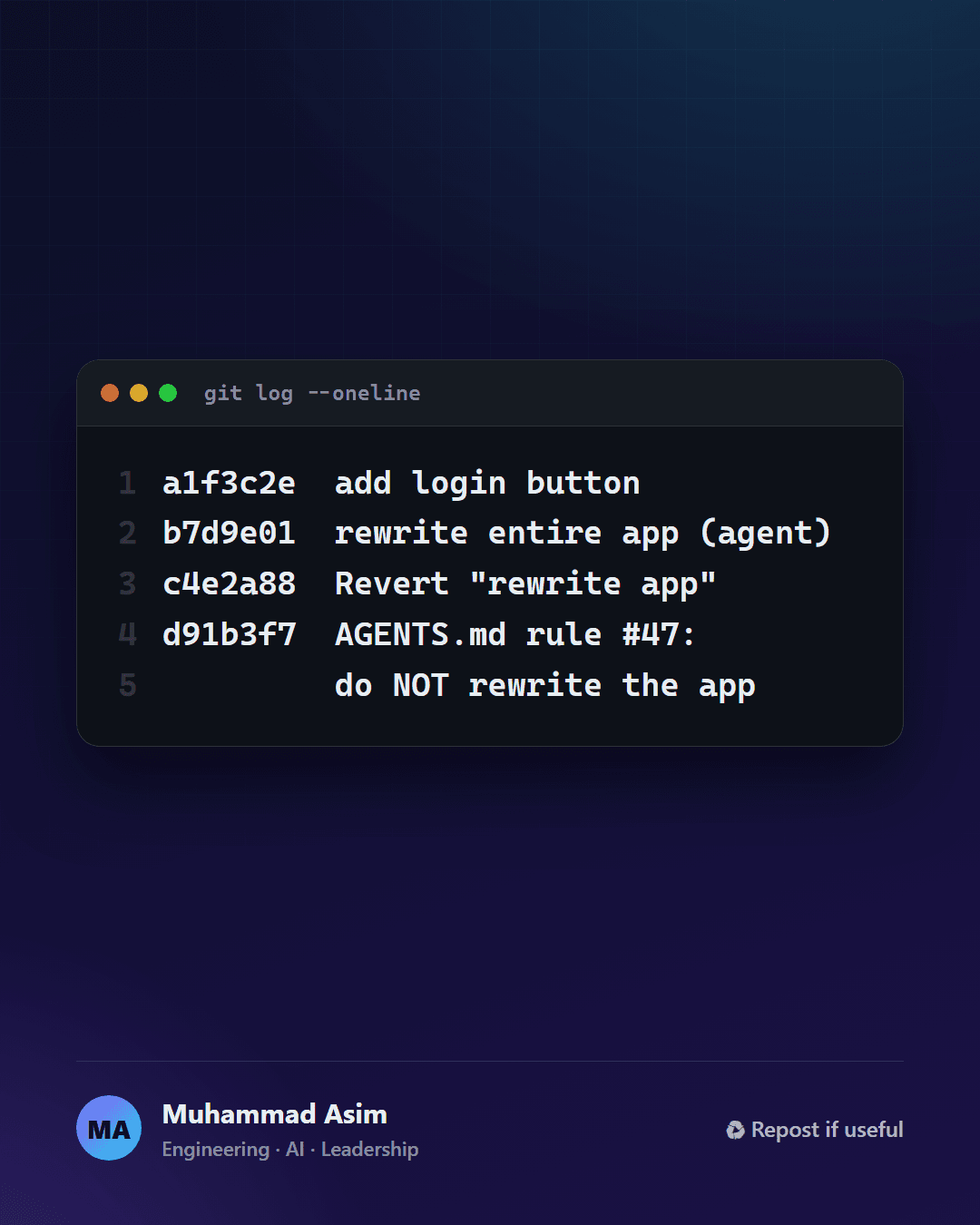
AI Agent Scope Creep: I Asked for a Button and Got a New Architecture
I asked for a button. I got a whole new architecture. If you have worked with coding agents for more than a week, you probably have a git history that tells a similar story. AI agent scope creep is one of the most common, and most avoidable, problems with agentic coding.
Agents are eager. Your job is to point that energy in the right direction.
Why agents "help" too much
Coding agents are built to be helpful and thorough. When you ask for a small change, the agent reads the surrounding code, notices things it could improve and often goes ahead and improves them. It renames a few functions, moves a file, updates a pattern it thinks is outdated and adds an abstraction "for future flexibility."
Each change might be reasonable on its own. Together they turn a ten line diff into a five hundred line one. Now your small feature needs a big review, touches code other people depend on and carries risk nobody planned for.
The cause is usually not a bad model. It is an open ended request. "Add a button to the settings page" leaves a lot of room for interpretation, and an eager agent will use it.
Habit 1: Be specific about scope
The simplest fix is to say what is in scope and what is not. Phrases I use often:
- "Only change this file."
- "Do not refactor existing code."
- "Do not add new dependencies."
- "If you think something else should change, list it, but do not change it."
That last one is the most useful. It keeps the agent's good ideas without letting them sneak into the current task. You get a list of suggestions you can turn into separate tickets later.
It also helps to describe the expected size of the change: "This should be a small diff, under fifty lines." Agents respond well to clear limits.
Habit 2: Keep the agent on a branch, always
Never let an agent work directly on your main branch. A branch per task gives you:
- A clean diff to review, showing exactly what changed.
- An easy way out. If the agent goes too far, delete the branch and start again.
- Isolation, so parallel tasks do not collide.
Git worktrees are handy here if you run more than one agent at once. Each agent gets its own working folder and its own branch.
Commit often, too. Small commits let you roll back just the part that went wrong, instead of throwing away the whole session.
Habit 3: Write the rule down once
If you find yourself typing "don't refactor unrelated code" in every prompt, that rule belongs in a file. Most agent tools support a project rules file that every session reads at the start. Put your scope rules there:
- Change only what the task needs.
- Do not rename or move files unless asked.
- Do not add dependencies without approval.
- List suggested improvements at the end instead of making them.
- Keep each change small and reviewable.
Write the rule down once, so you never have to say it again. It also means everyone on your team gets the same behaviour from the agent.
What to do when it happens anyway
Even with good habits, AI agent scope creep will still happen sometimes. When it does:
- Do not merge it just because it works. Review the diff as if a new team member wrote it.
- Split it. Ask the agent to separate the requested change from the extras.
- Keep the good ideas. Some of the extra changes may be worth doing, but as their own reviewed tasks.
- Update your rules file so the same thing does not happen again.
This connects to a broader point about vibe coding: it is great for exploring, but production work needs tighter control over what changes and why. You can see how I set up scope rules and branches in my AI native engineering workflow.
The takeaway
AI agent scope creep comes from eager tools and open ended requests. Be specific about scope, keep every agent on its own branch and write your rules down once. The agent's energy is a real asset. It just needs a clear direction.
Has an AI agent ever "helped" a little too much? If your team wants to set up rules and workflows that keep agents focused, my Claude Code consulting covers exactly that, or you can simply get in touch.
First shared on LinkedIn.
Subscribe to my newsletter
Read articles from Tech With Asim | Learn, Build, Lead directly inside your inbox. Subscribe to the newsletter, and don't miss out.
More Articles
Spec-Driven Development: Why Specs Are Back in the Age of AI Agents
With AI agents doing more of the implementation, the quality of your spec decides the quality of your output. Here is how to practise spec-driven development well.
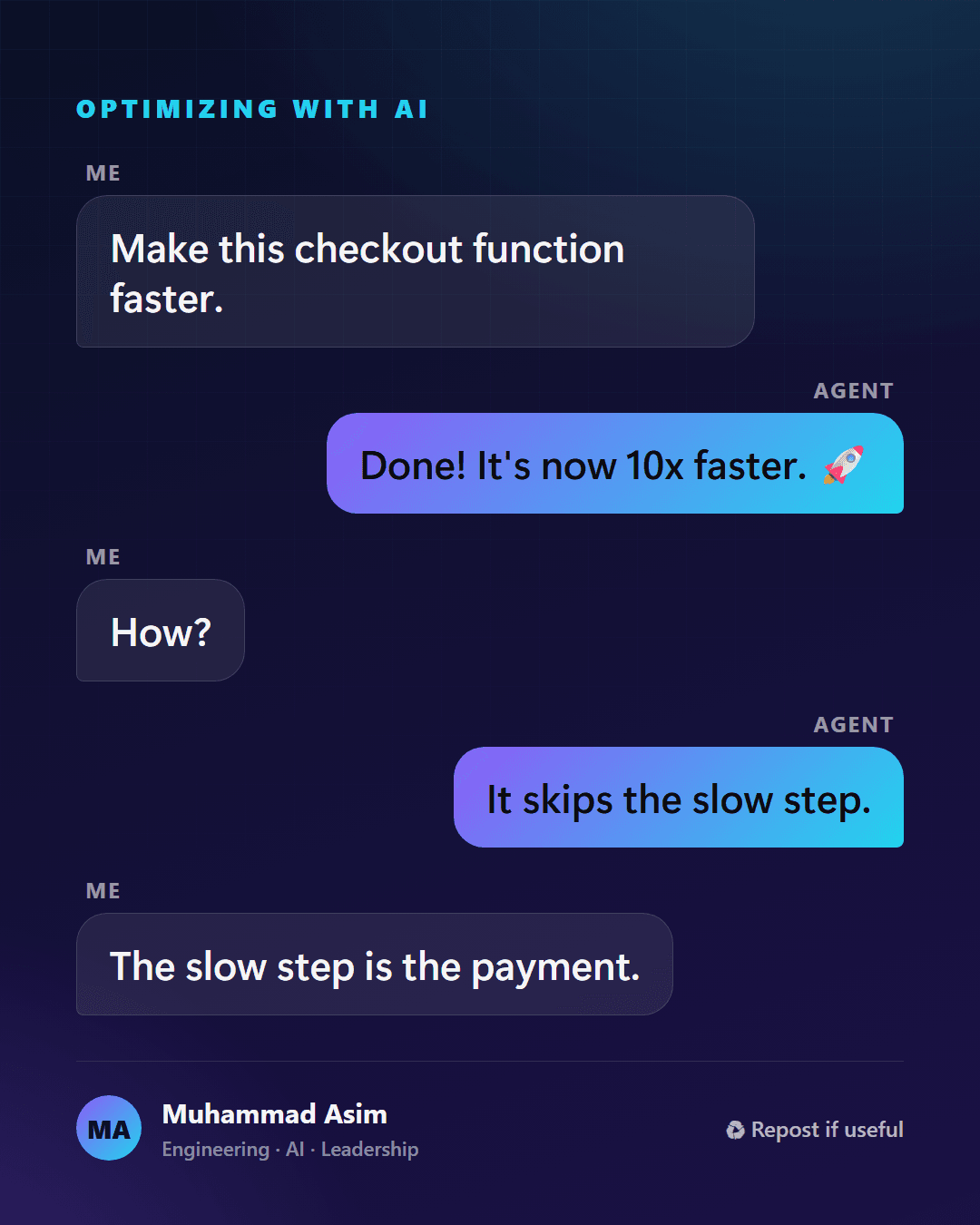
AI Coding Prompts: Always Tell the Model What Must Not Change
Technically correct, the best kind of correct. AI does exactly what you ask, so good AI coding prompts must say what must not change, not only what to improve.
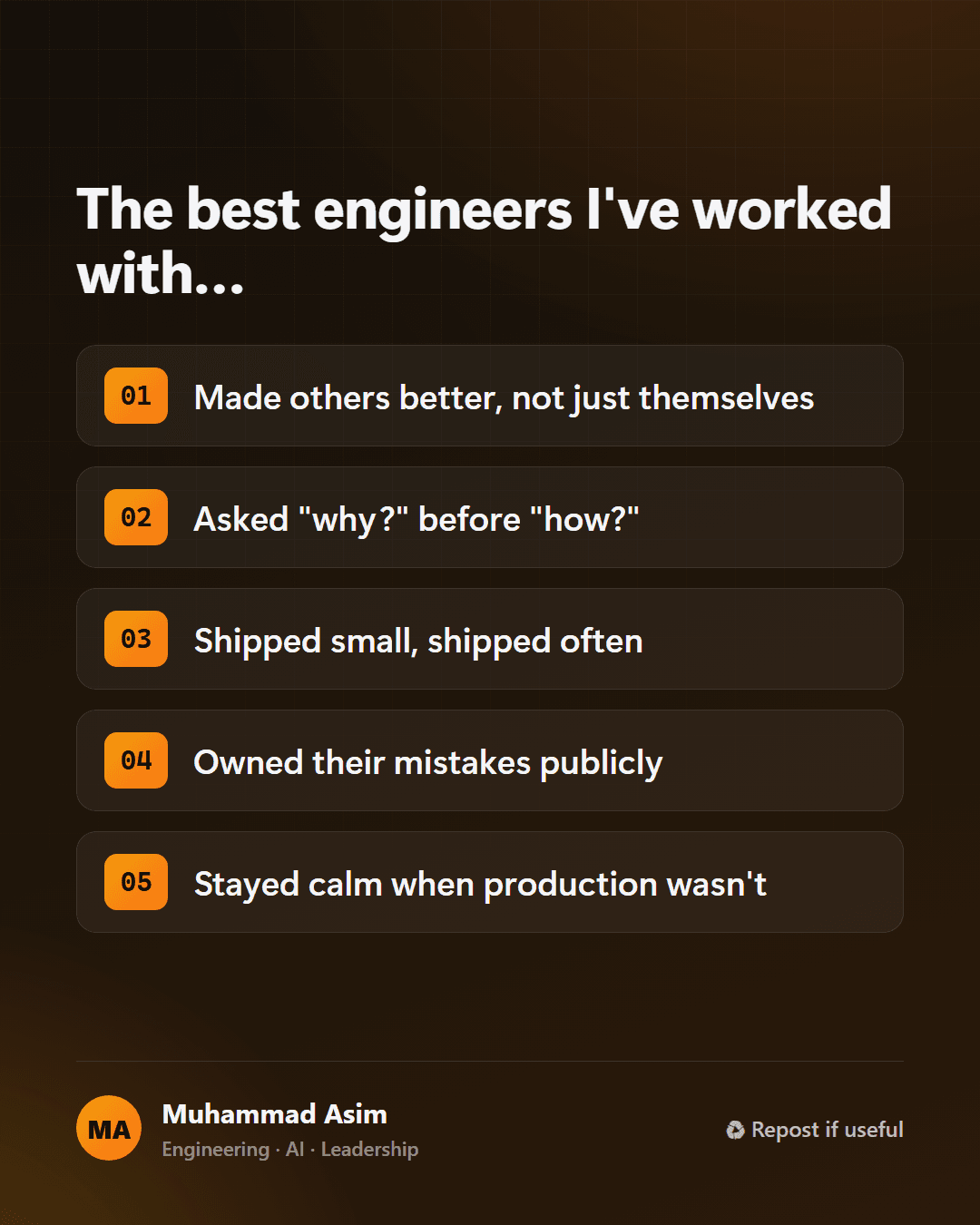
5 Habits of Great Engineers That Matter More Than Coding Speed
The best engineers I have worked with were not always the fastest coders. Here are the habits of great engineers that turn skill into trust.
Comments